Axure RP8怎样隐藏右侧的功能面板?
1、打开Axure RP8软件,打开一个RP文件。
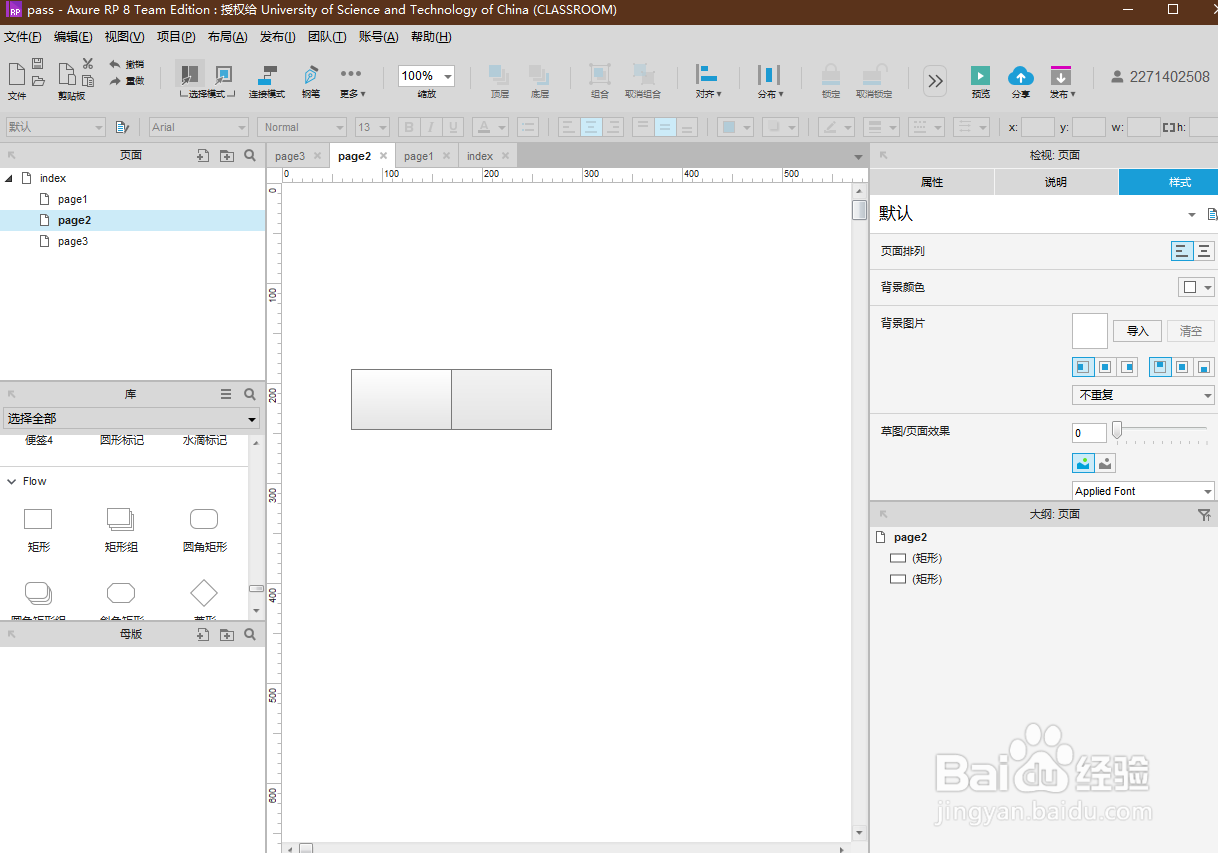
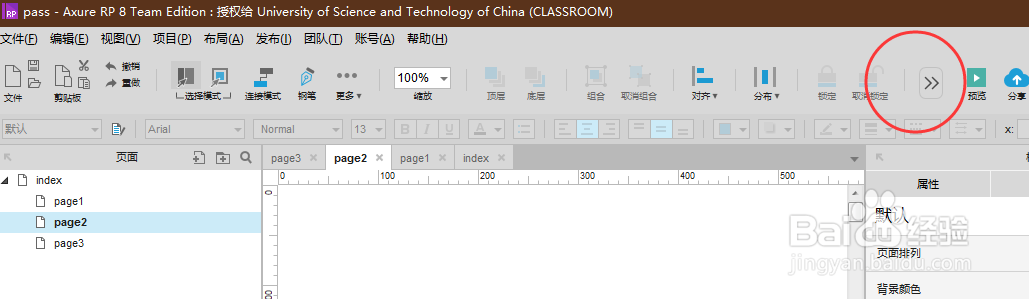
2、在上方功能栏内,点击“更多”按钮。
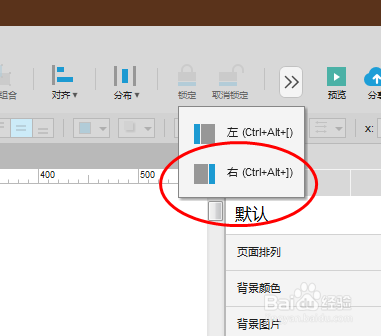
3、在“更多”的下拉列表内,点击“右(Ctrl+alt+])”选项。
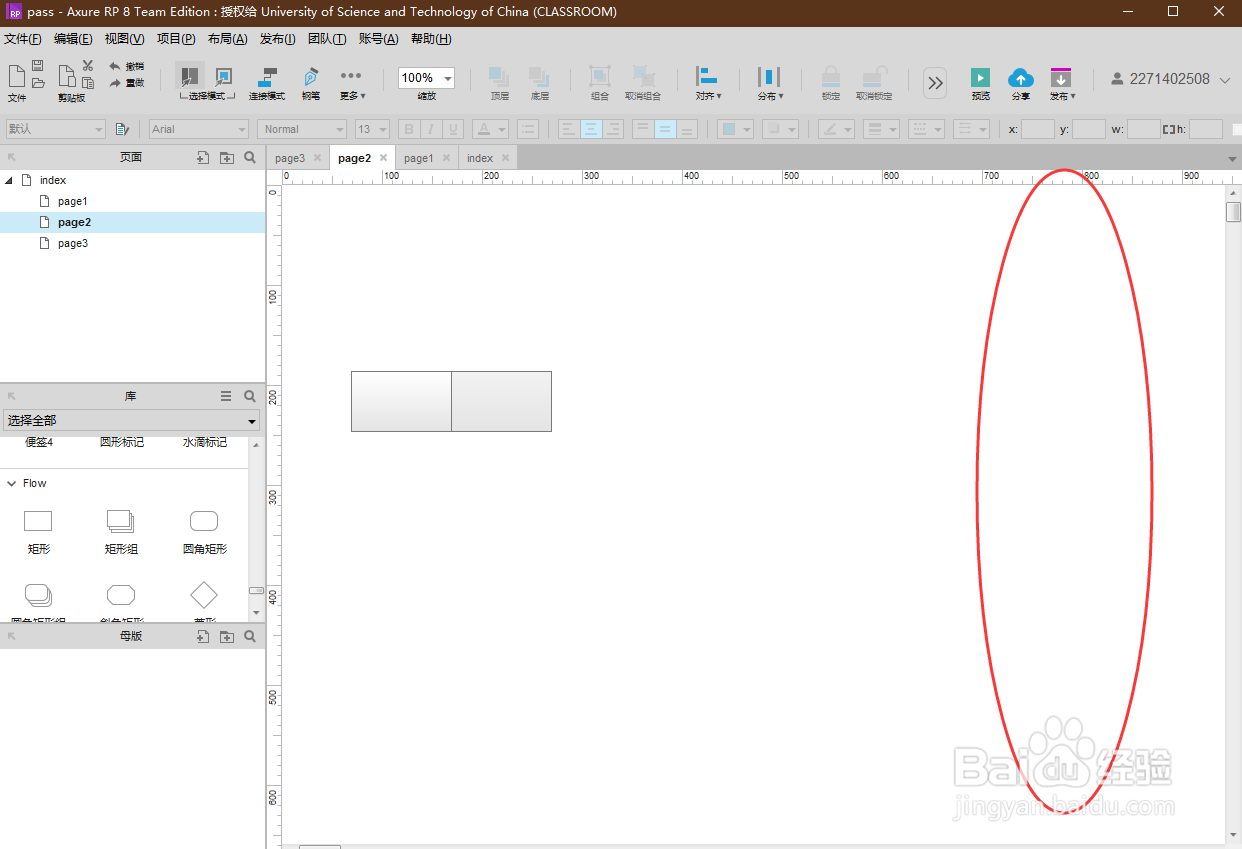
4、查看面板,已成功隐藏右侧功能面板。
阅读量:47
阅读量:22
阅读量:165
阅读量:97
阅读量:70
1、打开Axure RP8软件,打开一个RP文件。
2、在上方功能栏内,点击“更多”按钮。
3、在“更多”的下拉列表内,点击“右(Ctrl+alt+])”选项。
4、查看面板,已成功隐藏右侧功能面板。