指南经验网
首页
美食营养
生活百科
知识问答
生活知识
返回
指南经验网
首页
美食营养
游戏数码
手工爱好
生活知识
生活百科
健康养生
运动户外
职场理财
情感交际
母婴教育
时尚美容
知识问答
更多知识
搜索
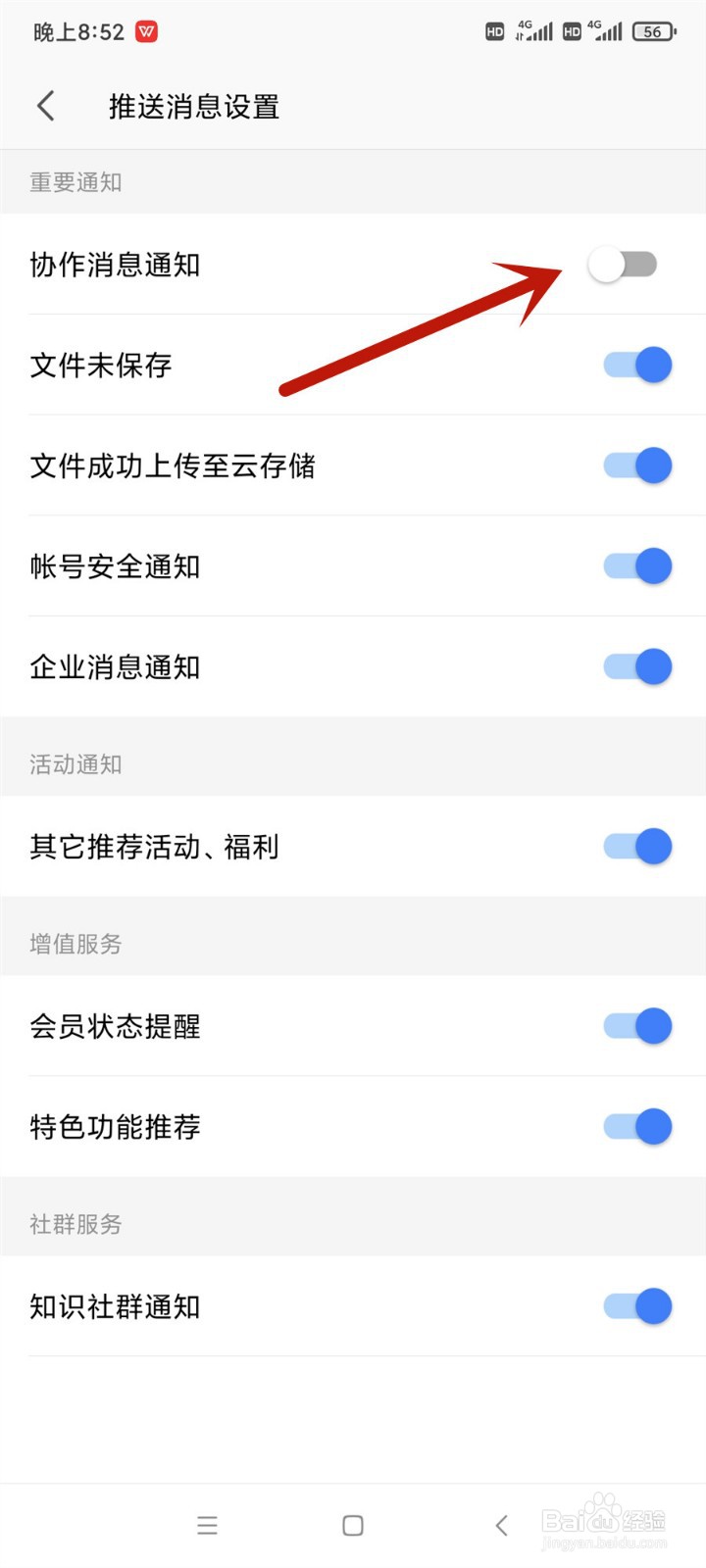
手机wps office怎么关闭协作消息通知
2026-02-19 23:54:17
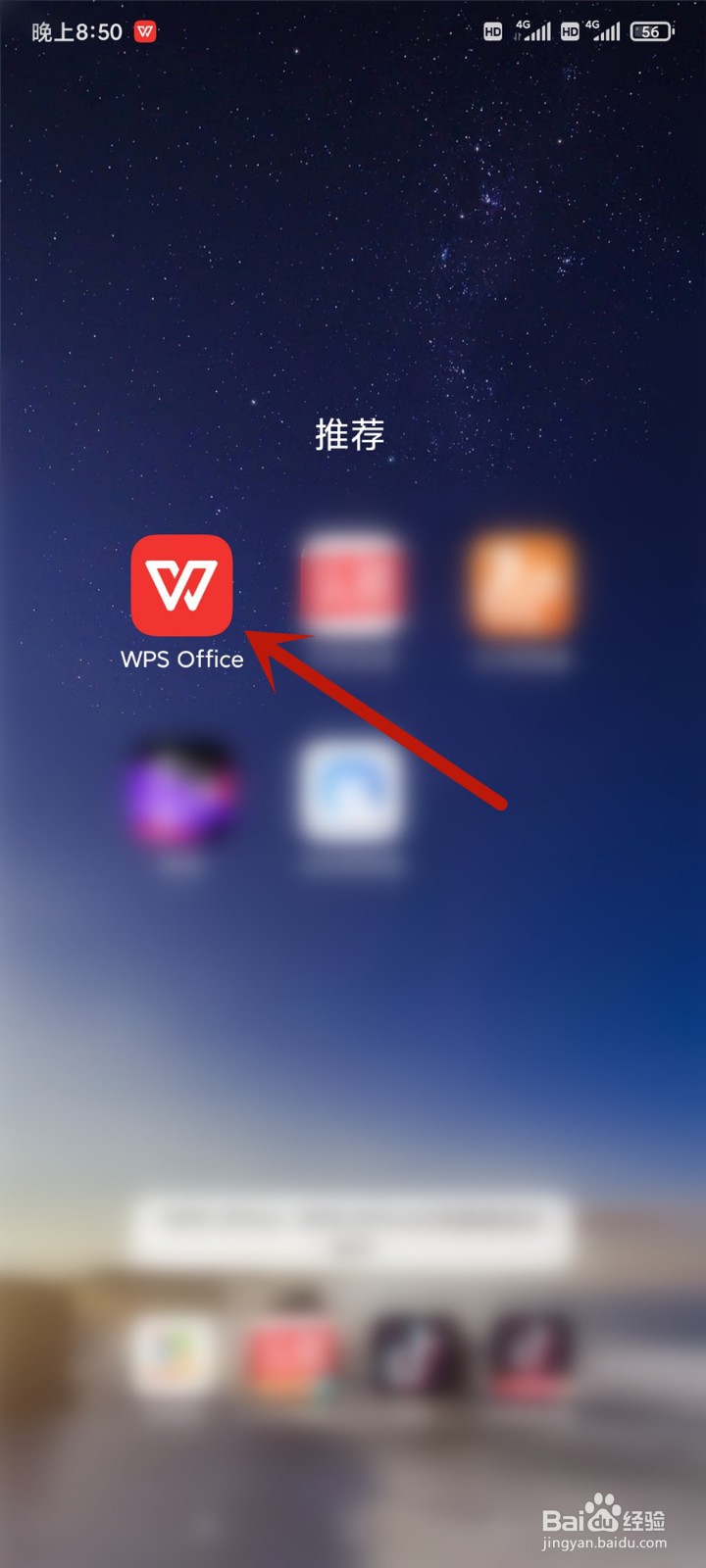
1、首先打开wps office
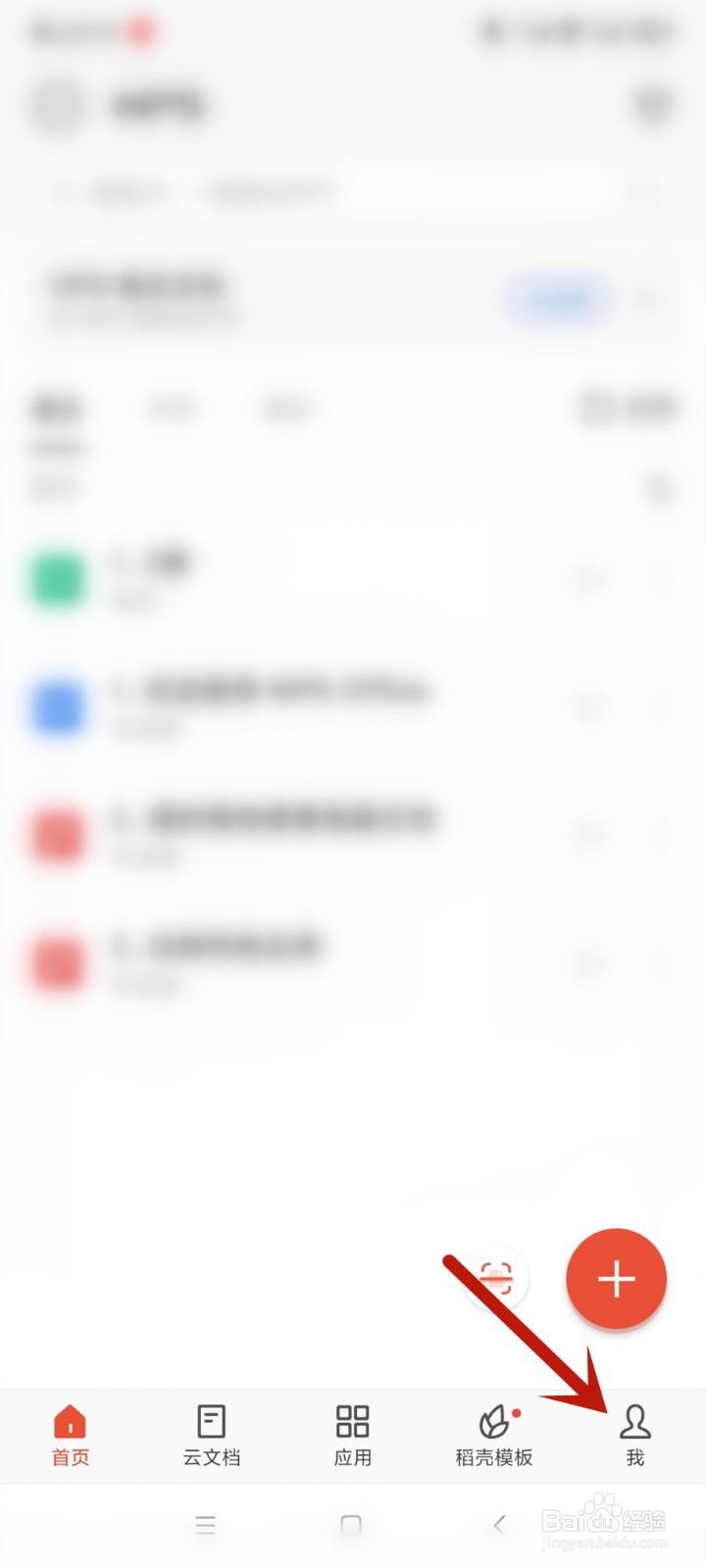
2、进入首页后选择右下角我
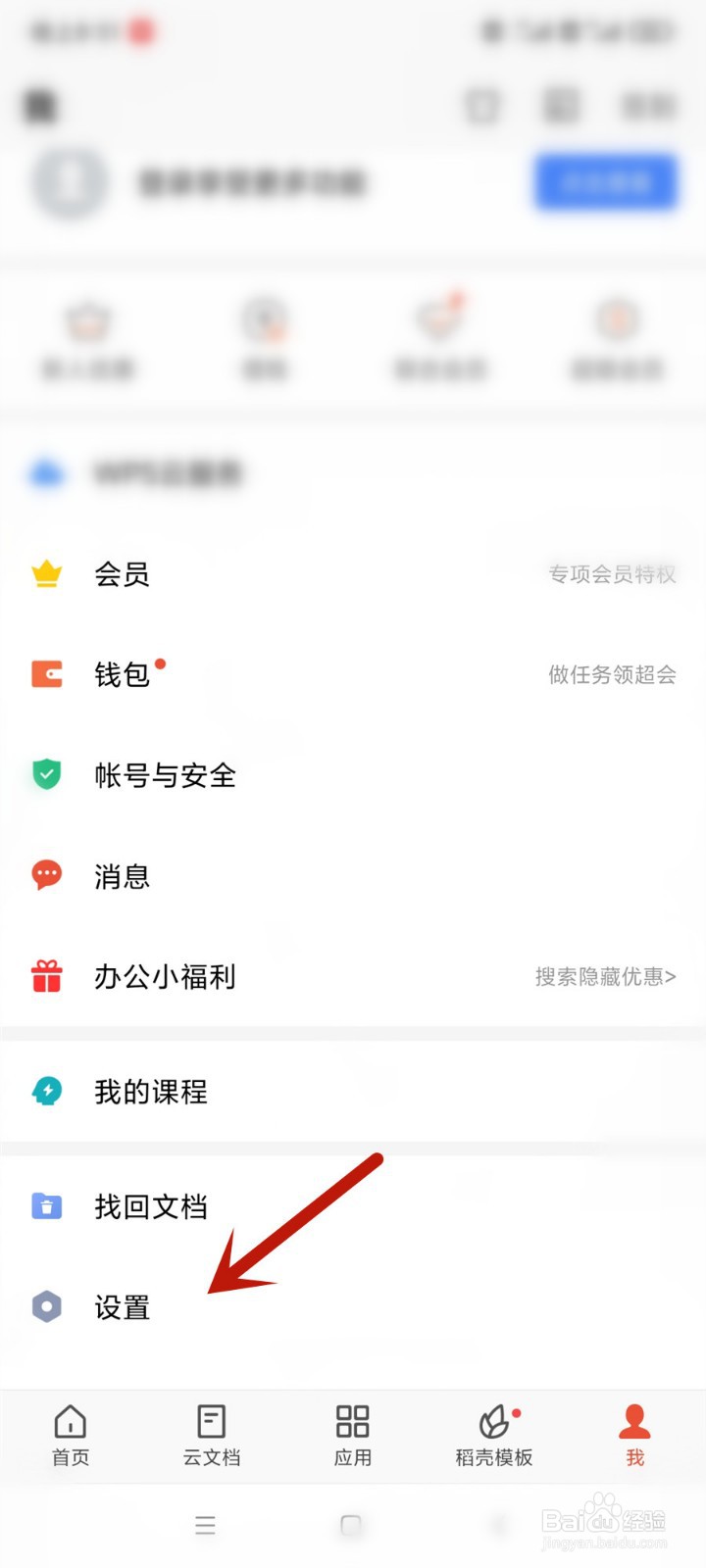
3、然后选择设置
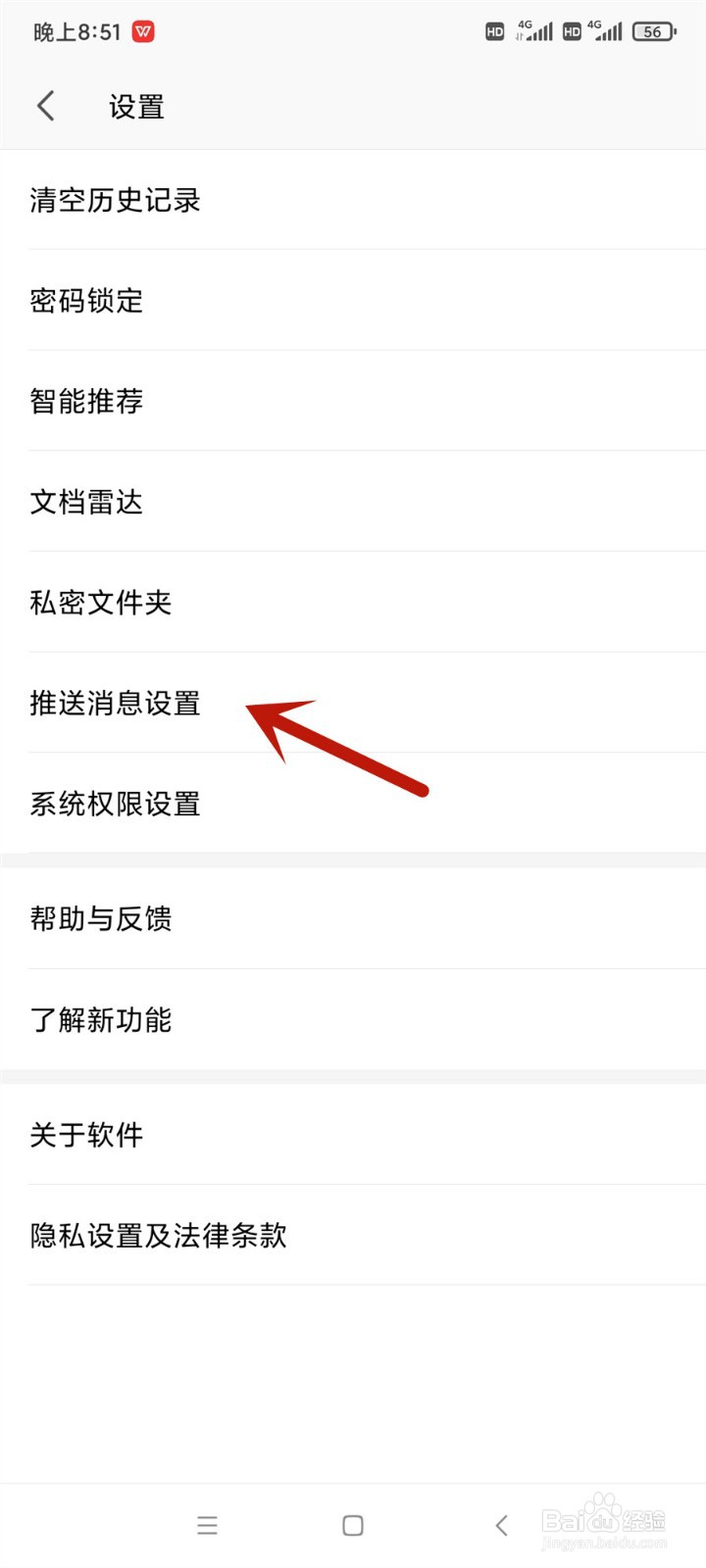
4、再选择推送消息设置
5、最后将协作消息通知关闭即可
相关推荐
怎样开启手机WPS的协作消息通知
阅读量:142
【网盘】什么是网盘同步?关于网盘同步的话题
阅读量:129
怎么导出有道云笔记内容
阅读量:44
Animate/Flash如何获取对象鼠标坐标(AS3)
阅读量:192
网络推广必须具备哪些能力
阅读量:60
猜你喜欢
怎么排毒
pin码忘了怎么办
滔滔不绝的近义词
年是怎么来的
怎么去痘坑
马桶漏水怎么修
依靠的近义词
鞠婧祎怎么念
平庸的近义词
能耐近义词
猜你喜欢
邓紫棋发型
电子商务专业怎么样
宣传报道怎么写
呼唤的近义词是什么
皮肤角质层薄怎么修复
感冒吃什么药好
辽宁装备制造职业技术学院怎么样
无精打采的近义词
灵芝怎么煲汤
经营性质怎么填