myeclipse 中创建项目名字中去掉maven webapp
1、在myeclipse 里面邮件新建,选择气它,在弹出框里面选择maven project

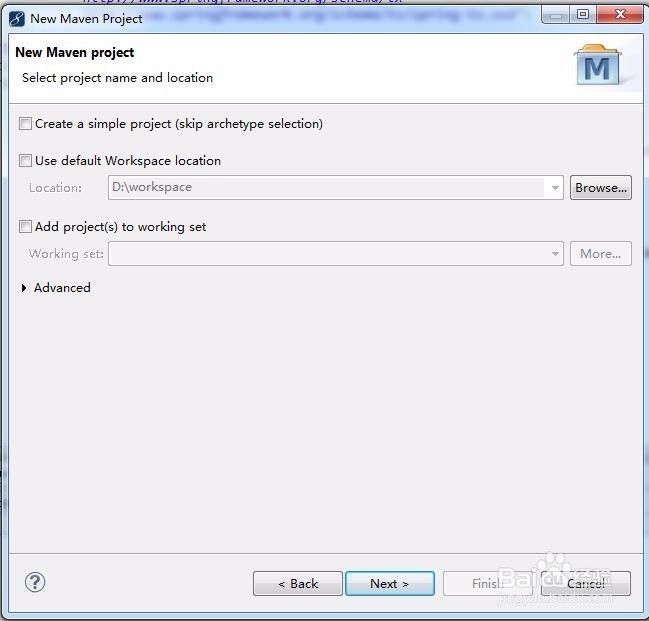
2、选中项目存放路径
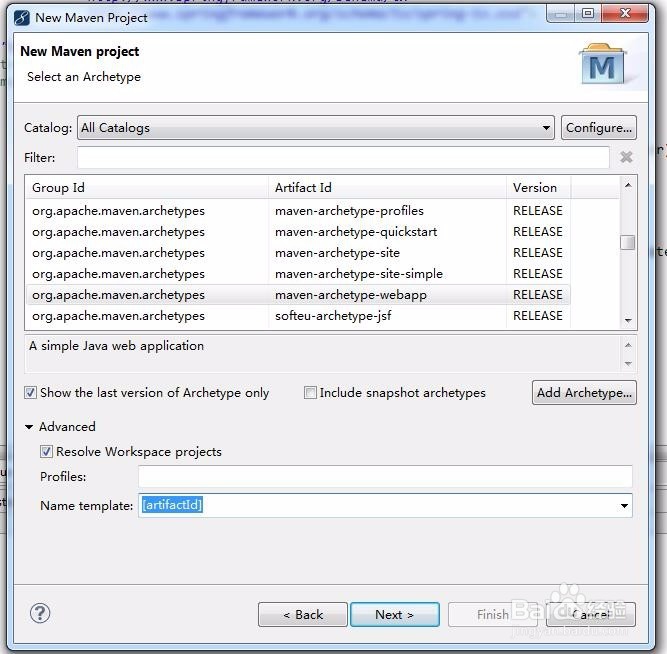
3、选择需要建立的artifactId类型,建立web项目选择maven-arthetype-webapp,关键点选择advanced 然后在name template 中选择[artifactId] 这样在创建项目成功后就不会有webapp maven 这写字在project name中了
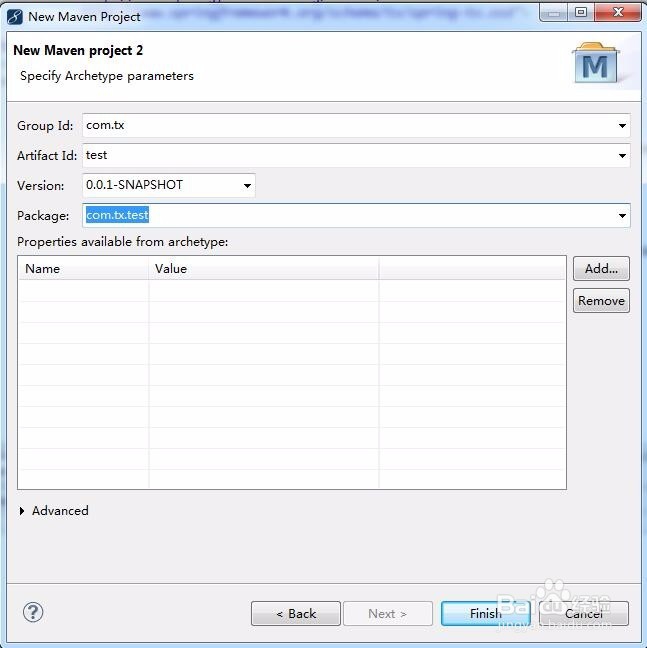
4、输入group id,artifactId,package 等,点击完成项目就建立成功了
阅读量:71
阅读量:26
阅读量:23
阅读量:190
阅读量:181