iphone13微博怎么显示
1、选择设置
在我界面,点击个人头像右侧的设置

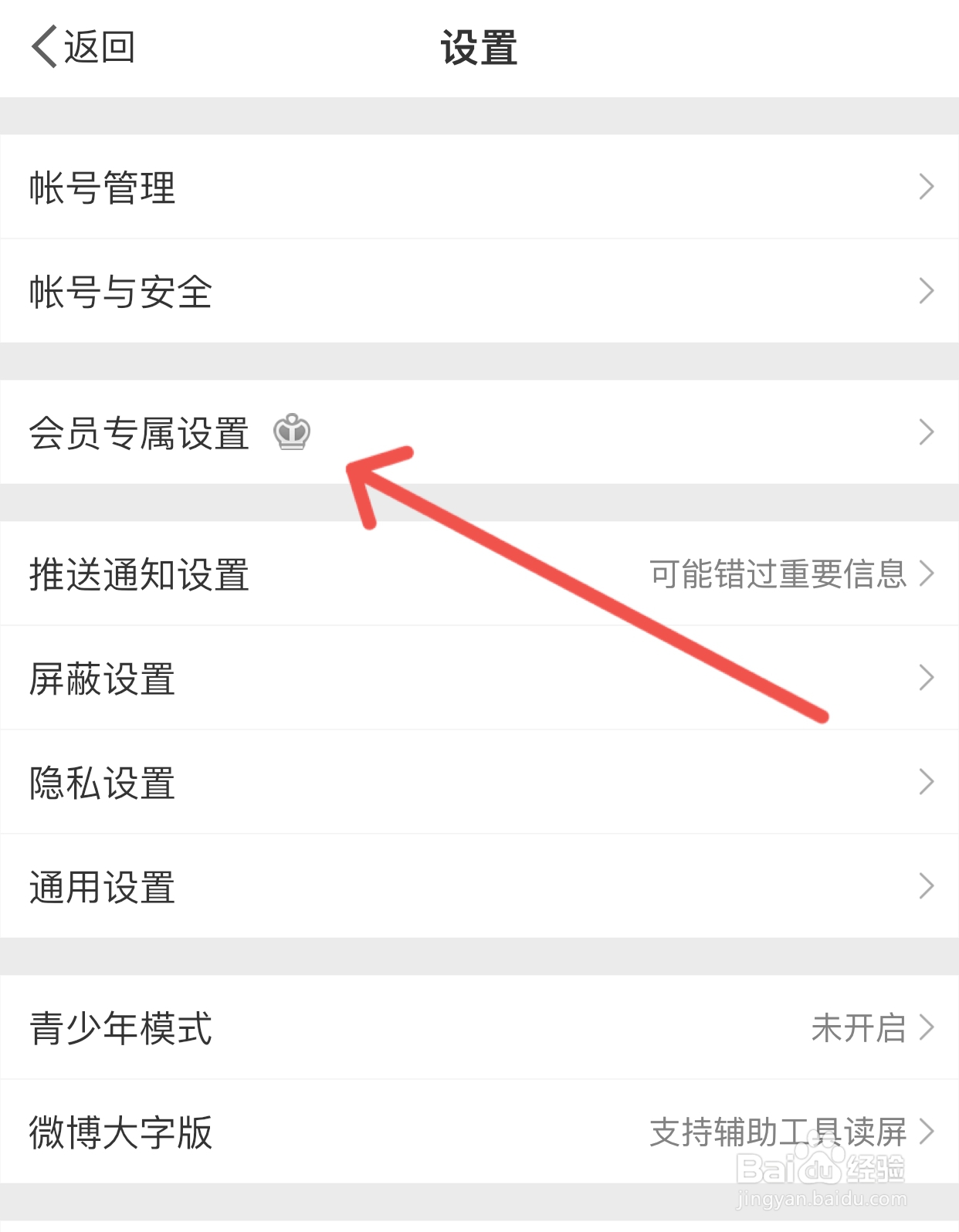
2、选择会员专属设置
进入设置界面后,选择会员专属设置
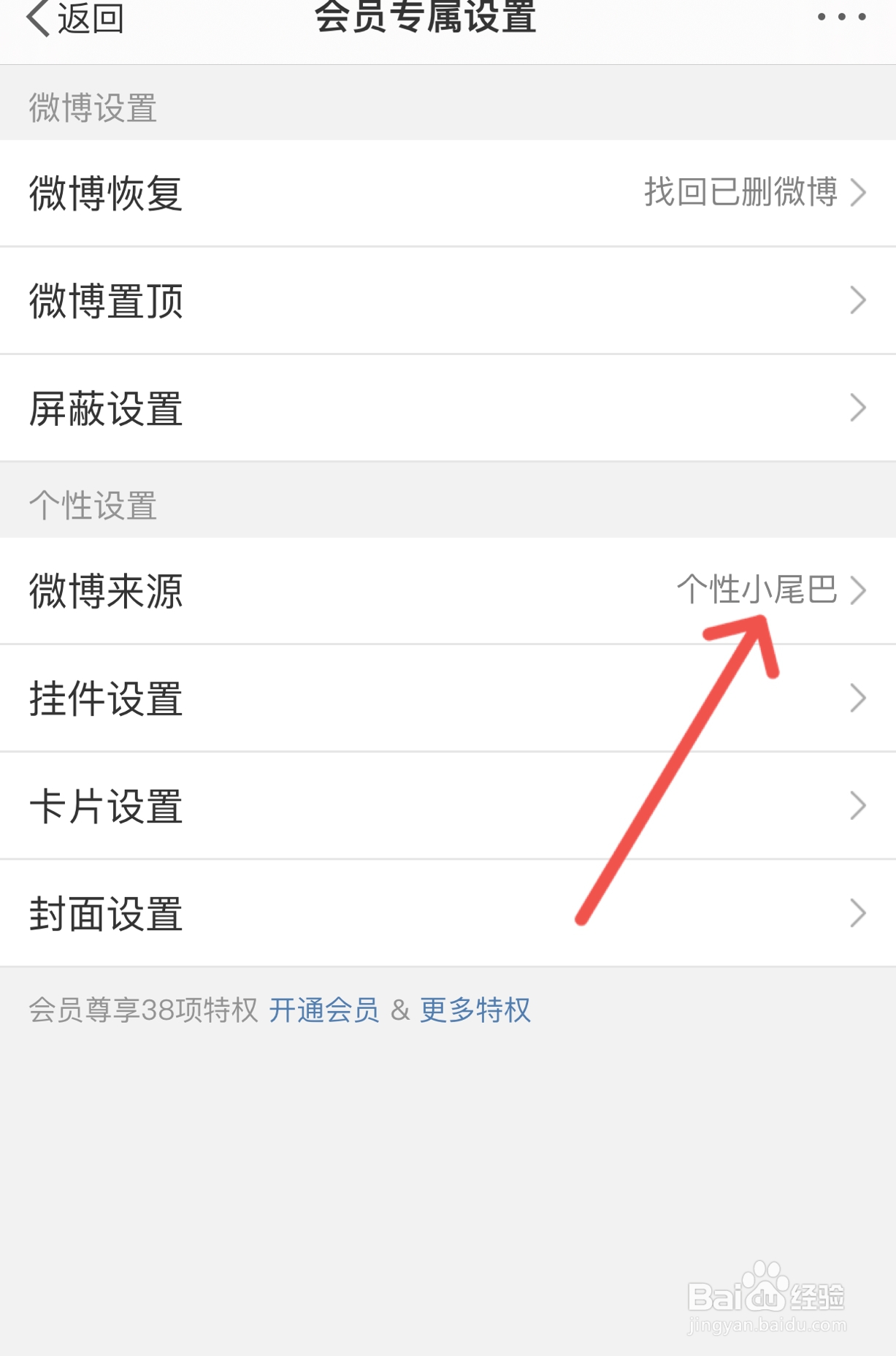
3、选择微博来源
进入专属设置,选择微博来源
4、点击iPhone 13
选择微博来源,开通会员选择iPhone 13即可。

阅读量:190
阅读量:188
阅读量:24
阅读量:142
阅读量:176
1、选择设置
在我界面,点击个人头像右侧的设置
2、选择会员专属设置
进入设置界面后,选择会员专属设置
3、选择微博来源
进入专属设置,选择微博来源
4、点击iPhone 13
选择微博来源,开通会员选择iPhone 13即可。