PS怎么安装字体

2026-02-12 18:26:43

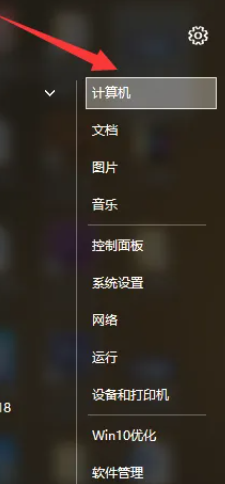
1、点击电脑的计算机,如下图所示;

PS怎么安装字体

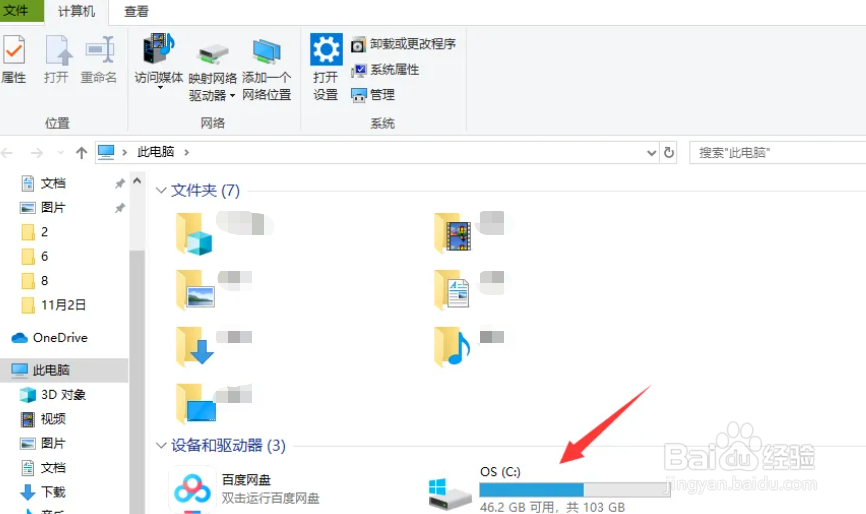
2、在点击C盘;

PS怎么安装字体

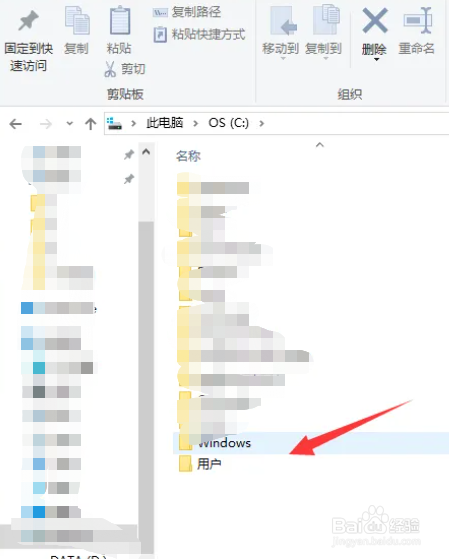
3、我们点击Windows;

PS怎么安装字体

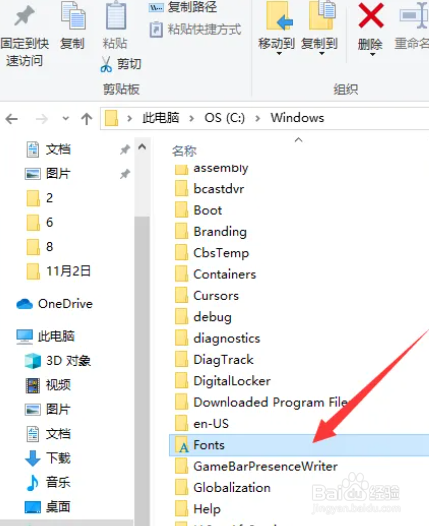
4、再双击Fonts;

PS怎么安装字体

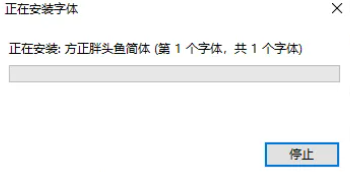
5、我们将需要安装的字体直接拖入到Fonts文件夹中即可;

PS怎么安装字体

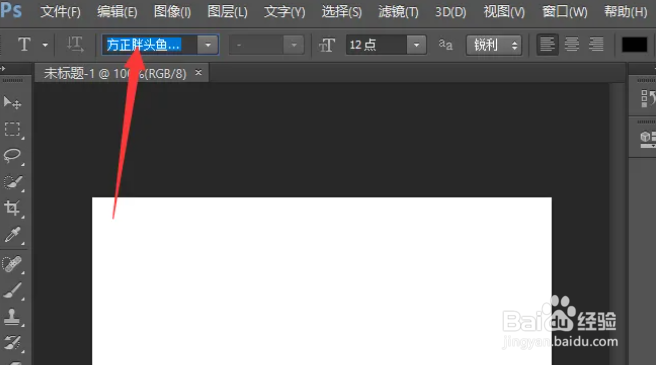
6、我们打开PS,发现刚才复制的字体已经导入成功了。

PS怎么安装字体

相关推荐
  • 阅读量:137
  • 阅读量:111
  • 阅读量:38
  • 阅读量:173
  • 阅读量:52
  • 猜你喜欢