指南经验网
首页
美食营养
生活百科
知识问答
生活知识
返回
指南经验网
首页
美食营养
游戏数码
手工爱好
生活知识
生活百科
健康养生
运动户外
职场理财
情感交际
母婴教育
时尚美容
知识问答
更多知识
搜索
vivo手机网速怎么设置成前台优先
2026-04-24 14:52:07
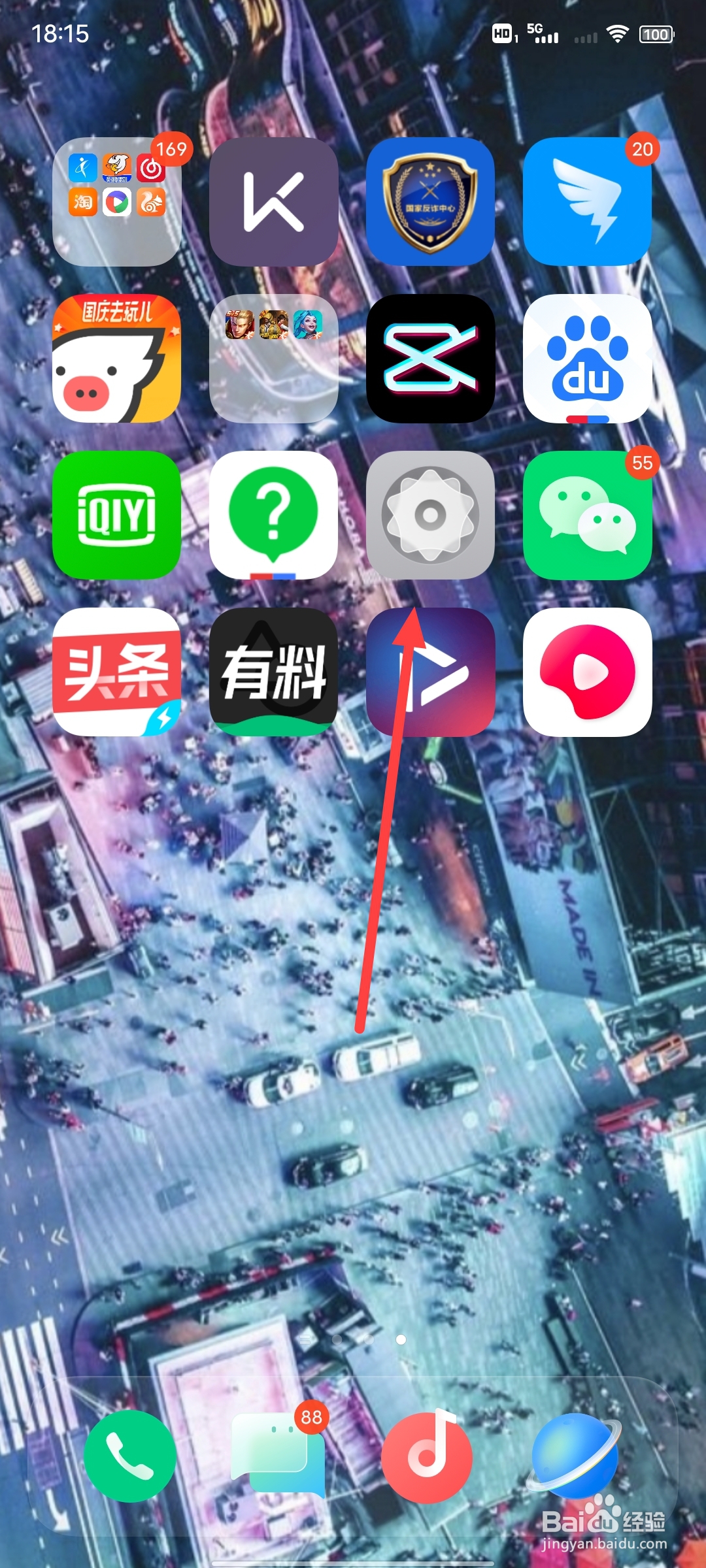
1、第一步
在手机页面中,打开“设置”
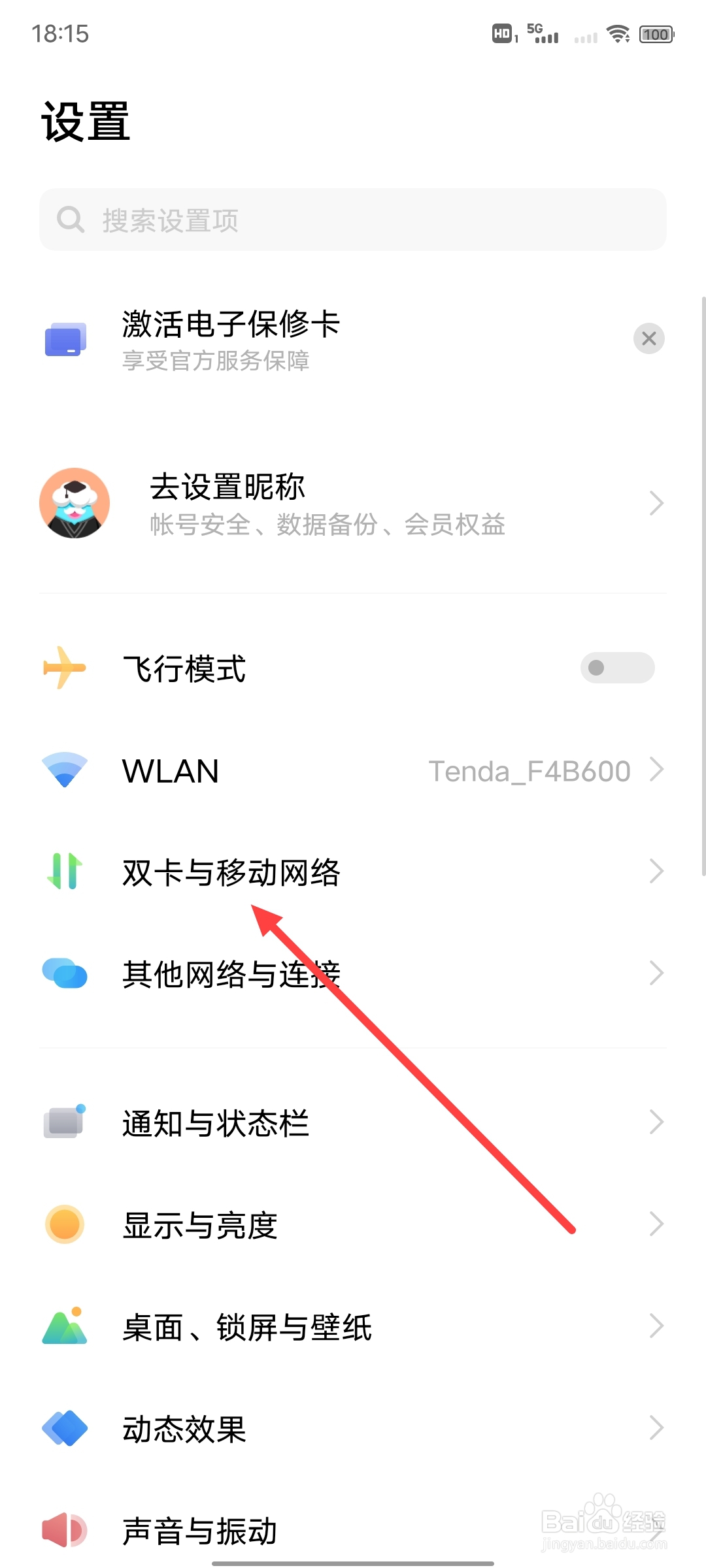
2、第二步
点击“双卡与移动网络”
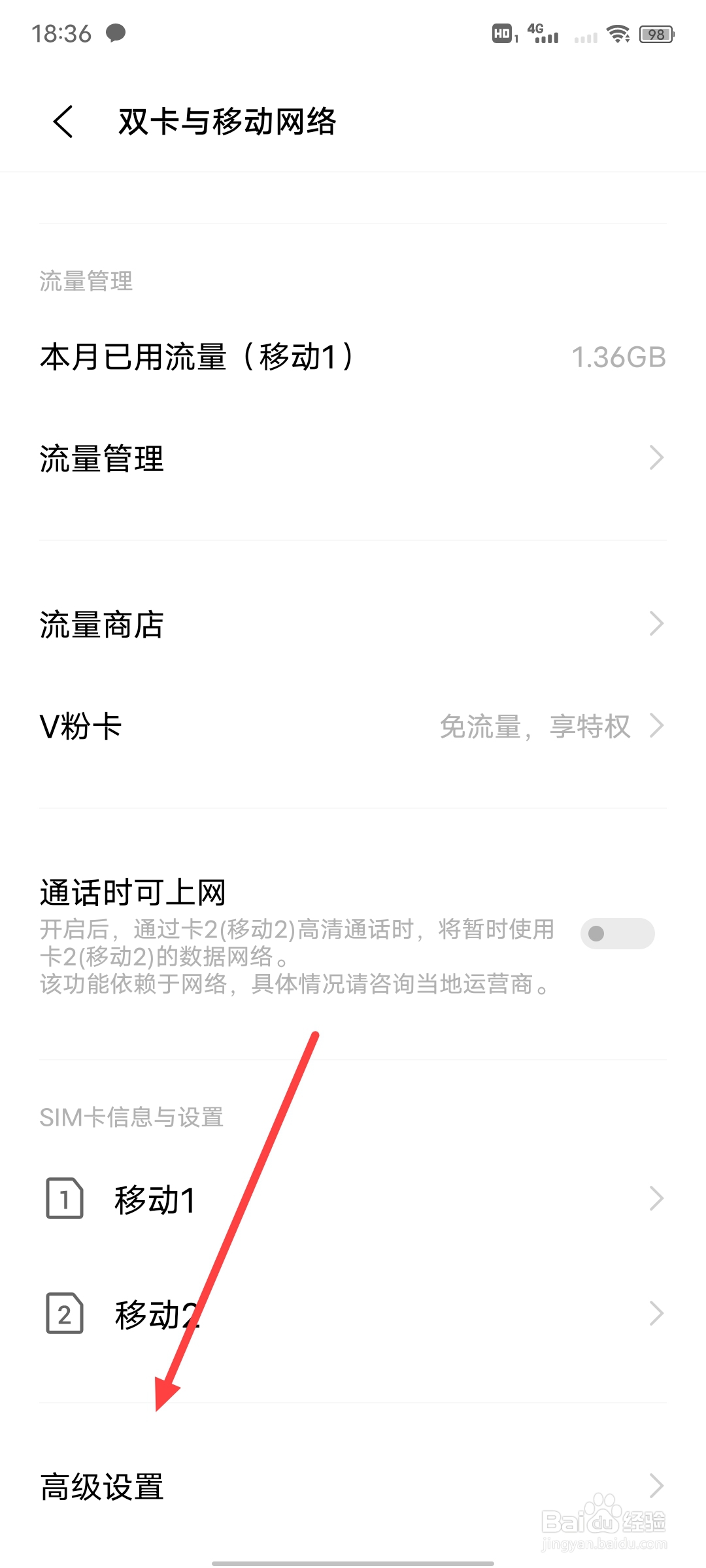
3、第三步
点击最下方的“高级设置”
4、第四步
点击“网速分配”
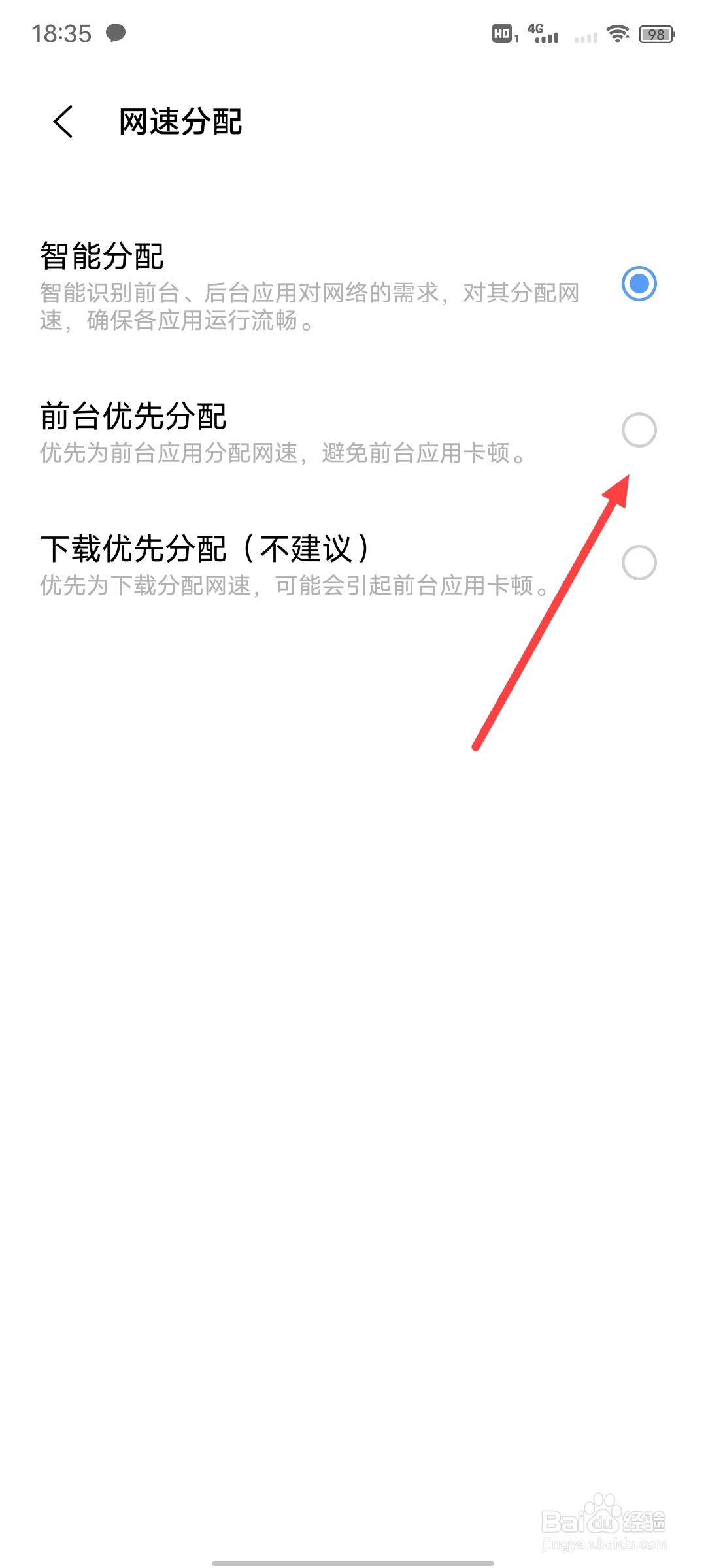
5、第五步
点击设置成“前台优先分配”即可
相关推荐
vivo手机如何进行网速分配
阅读量:116
vivo手机网速慢的解决办法
阅读量:41
vivo手机数据网络加速在哪里设置开启
阅读量:124
vivo手机卡顿反应慢怎么解决
阅读量:39
如何让vivo手机变得更流畅
阅读量:143
猜你喜欢
路由器怎么设置密码
下面瘙痒是怎么回事儿
年度计划怎么写
突然头晕是怎么回事
石墓阵怎么走
全身发痒是怎么回事
淋巴结节是怎么回事
卵巢早衰怎么办
lion怎么读
齐家网装修怎么样
猜你喜欢
introduce怎么读
绣球花怎么养
董卓怎么死的
b站视频怎么下载
小辣椒手机怎么样
脱机工作怎么解除
回力轮胎怎么样
宽带密码忘记了怎么办
快手怎么直播
电子秤不准怎么调