SqlDbx中mysql怎么不设置脚本使用show oreate
1、首先,打开一个SqlDbx的界面中
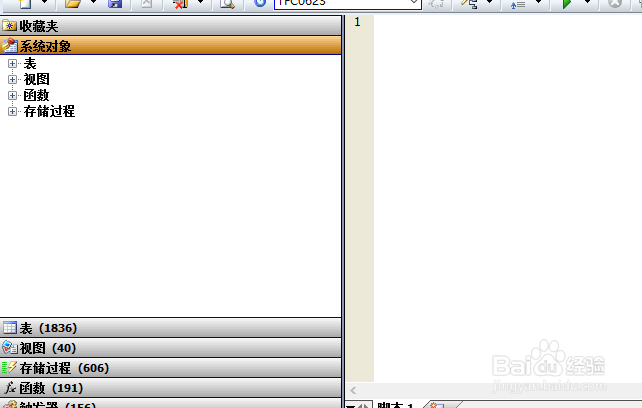
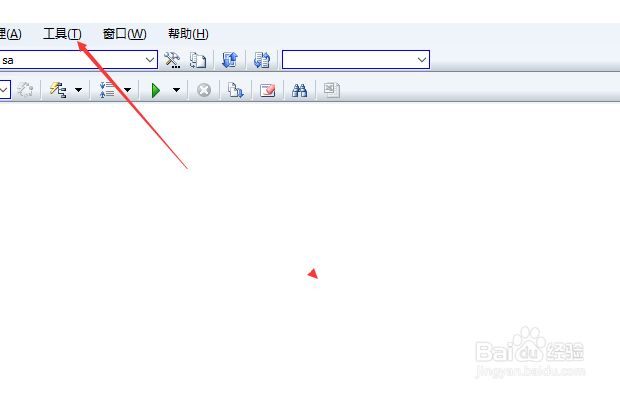
2、点击菜单中的 工具 菜单
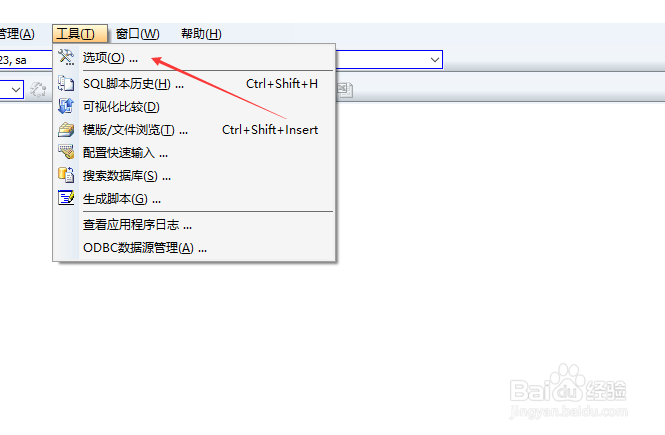
3、点击了工具菜单之后,弹出了下拉菜单选择为 选项
4、进入到了选项界面中,点击左侧中的 mysql 选项
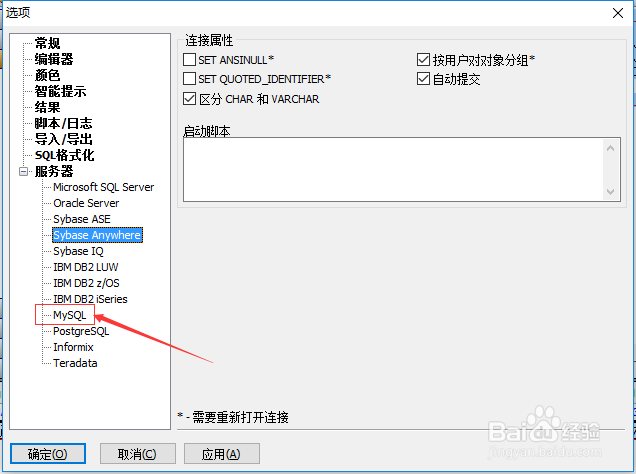
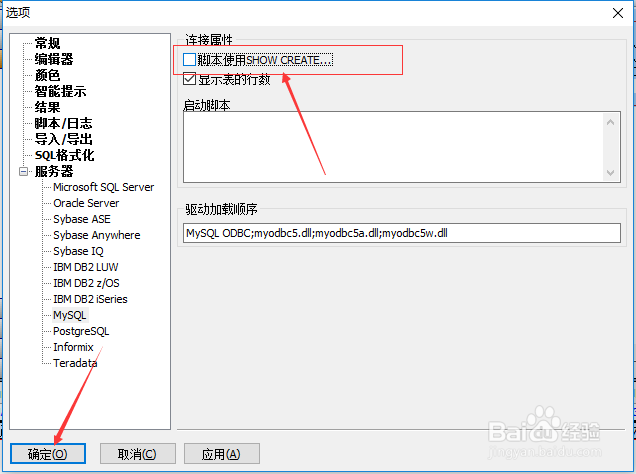
5、进入到了mysql界面中,去掉 脚本使用show oreate 选项勾选
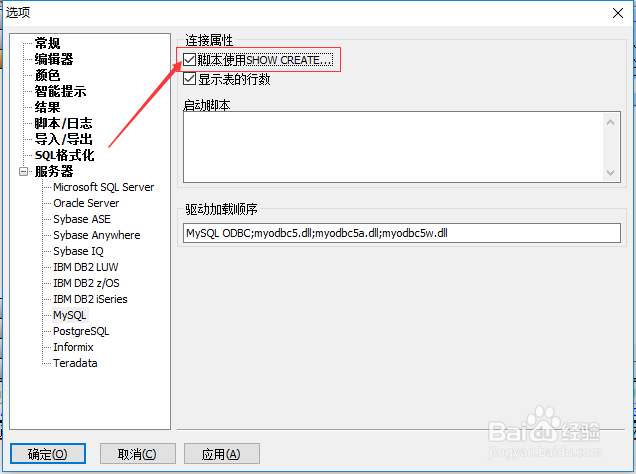
6、去掉 脚本使用show oreate 选项勾选之后,点击 确定
1、点击菜单中的 工具 菜单
选择为 选项
点击左侧中的 mysql 选项
去掉 脚本使用show oreate 选项勾选
阅读量:66
阅读量:109
阅读量:136
阅读量:169
阅读量:188