如何禁用Windows中的Workstation服务?
1、打开系统运行窗口;
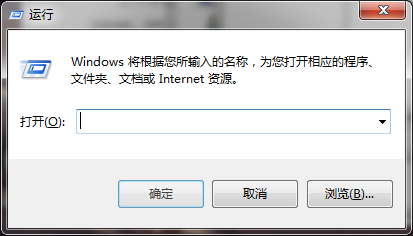
2、在运行程序框中输入“services.msc”指令;

3、点击回车后,系统服务窗口自动打开;

4、滑动右侧窗格中的滑动条,找到Workstation服务;
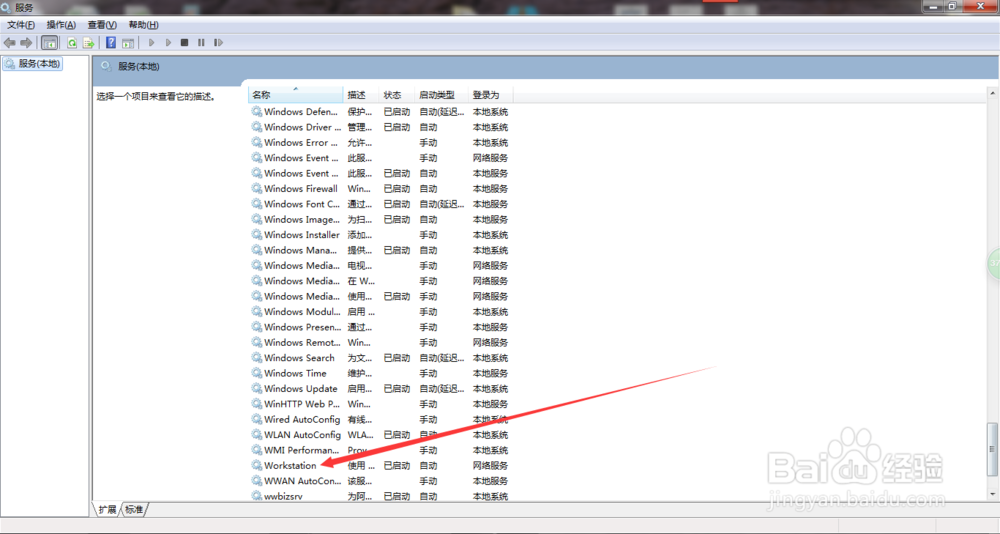
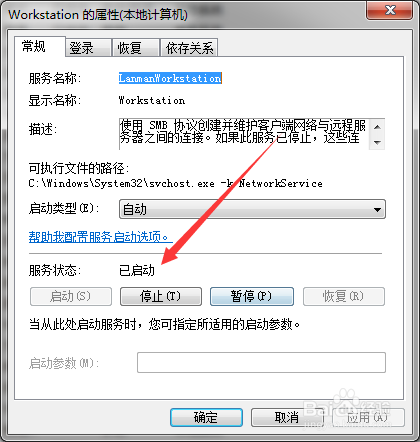
5、双击Workstation服务,Workstation属性窗口自动打开;

6、点击对话框中的“停止”按钮;
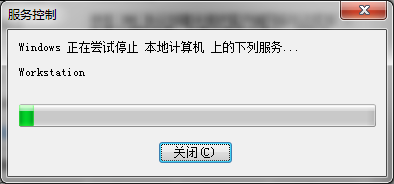
7、系统自动关闭Workstation服务;
8、点击对话框中的“确定”按钮。

阅读量:105
阅读量:172
阅读量:170
阅读量:20
阅读量:179