WebStorm 2021.1.2怎么设置html样式属性
1、打开一个 WebStorm的界面中

2、点击左上角中file菜单
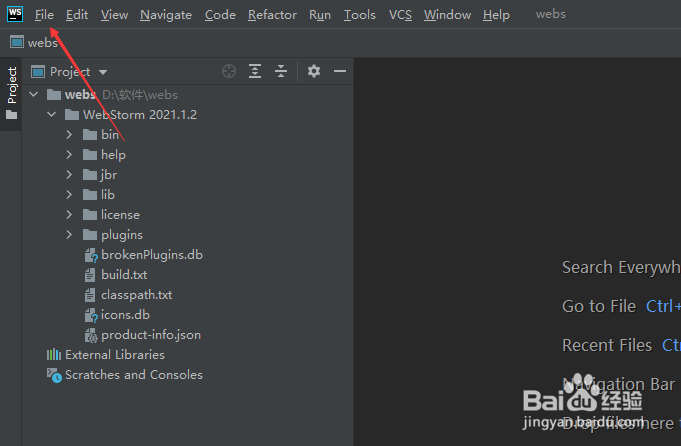
3、弹出了下拉菜单选择settings选项

4、点击左侧中code folding选项

5、勾选html style attribute选项

6、勾选html style attribute选项之后,点击ok

阅读量:114
阅读量:157
阅读量:101
阅读量:50
阅读量:169
1、打开一个 WebStorm的界面中
2、点击左上角中file菜单
3、弹出了下拉菜单选择settings选项
4、点击左侧中code folding选项
5、勾选html style attribute选项
6、勾选html style attribute选项之后,点击ok