html怎么读取输入框的值并进行运算
1、html:
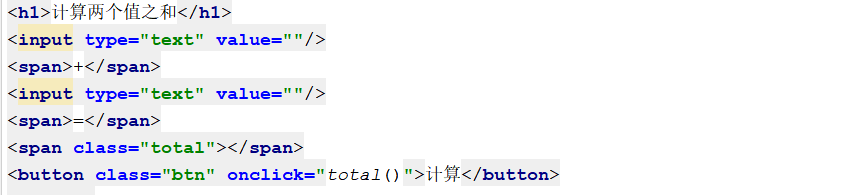
<h1>计算两个值之和</h1>
<input type="text" value=""/>
<span>+</span>
<input type="text" value=""/>
<span>=</span>
<span class="total"></span>
<button class="btn" onclick="total()">计算</button>
2、css:
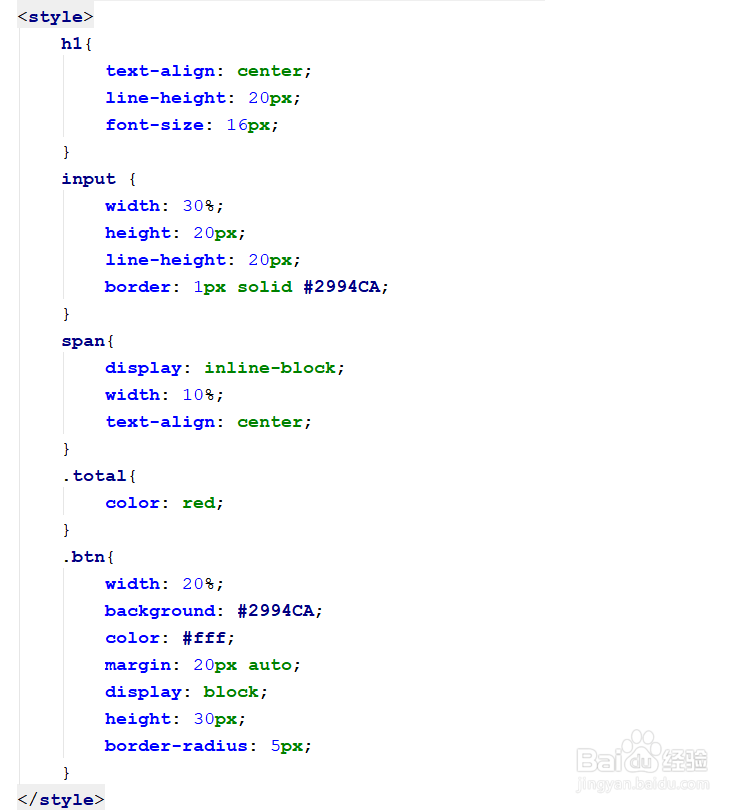
h1{
text-align: center;
line-height: 20px;
font-size: 16px;
}
input {
width: 30%;
height: 20px;
line-height: 20px;
border: 1px solid #2994CA;
}
span{
display: inline-block;
width: 10%;
text-align: center;
}
.total{
color: red;
}
.btn{
width: 20%;
background: #2994CA;
color: #fff;
margin: 20px auto;
display: block;
height: 30px;
border-radius: 5px;
}
3、js:
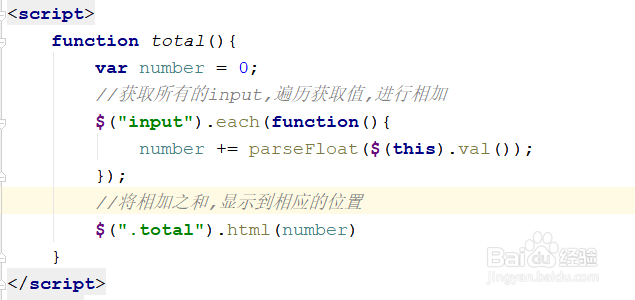
function total(){
var number = 0;
//获取所有的input,遍历获取值,进行相加
$("input").each(function(){
number += parseFloat($(this).val());
});
//将相加之和,显示到相应的位置
$(".total").html(number)
}