Push to origin/master was rejected的解决方法
1、右击要上传的文件
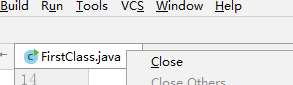
2、选择Show in Explorer

3、右击空白处
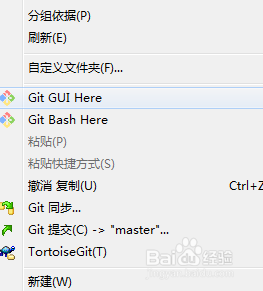
4、选择Git Bash Here
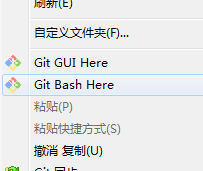
5、依次执行命令:
git pull origin master –allow-unrelated-histories
git push -u origin master -f
根据提示输入github用户名和密码登录github

6、刷新github页面,发现上传成功!

阅读量:75
阅读量:62
阅读量:42
阅读量:80
阅读量:128