通过Powershell赋值完成字符连接
1、打开Windows Powershell程序窗口;
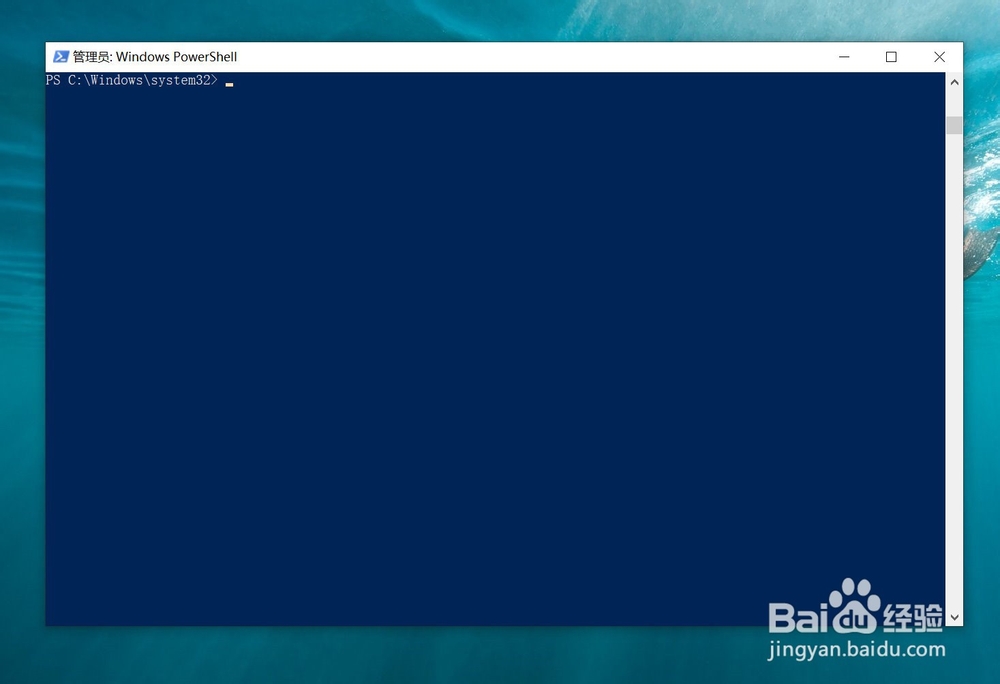
2、我们演示一个场景将hello和world分别赋予两个变量,然后将两个变量连接起来;
首先运行 $a="hello" ;

3、再运行 $b="world" ;

4、运行 $a+$b ,即可将输出 helloworld;

5、如果我们准备输出hello world,其实很简单,将语句转换成 $a+" "+$b,即可输出相应的内容;

6、当然在赋予变量时,直接加入空格也可以。

阅读量:52
阅读量:57
阅读量:54
阅读量:134
阅读量:187