教程photoshop购物袋小图标
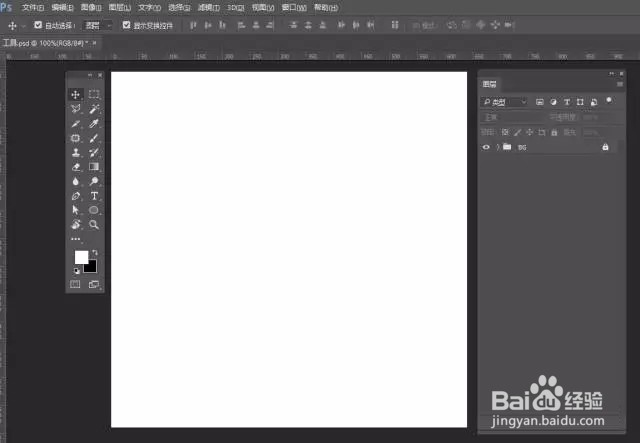
1、新建文件,给背景填充你喜欢的颜色
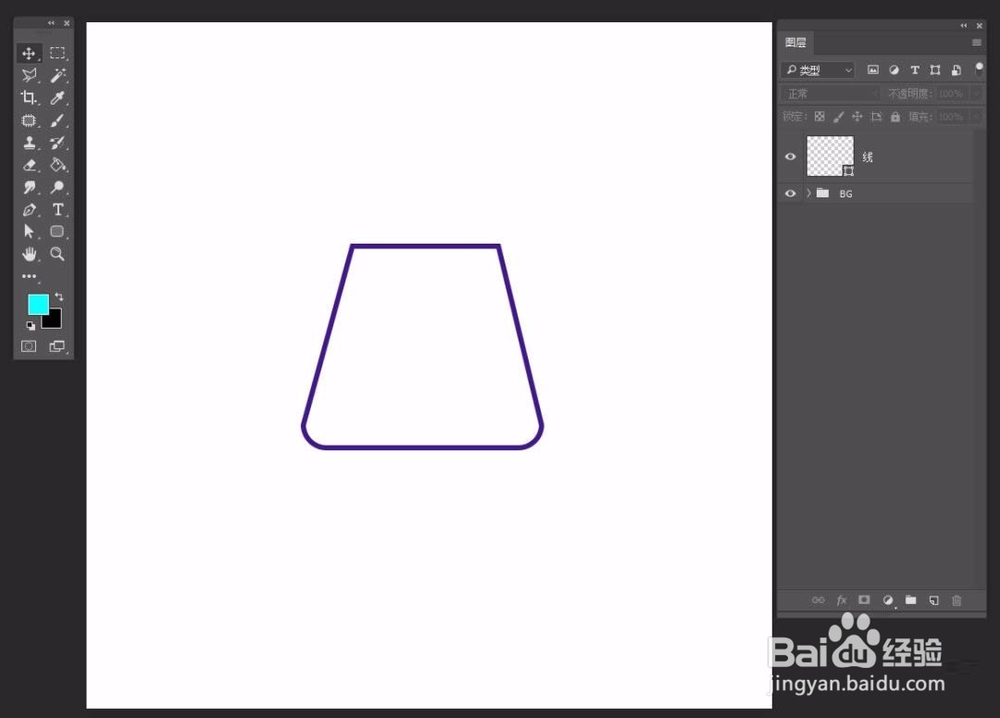
2、选择圆角矩形工具,设置描边,去掉填充,调整圆角大小
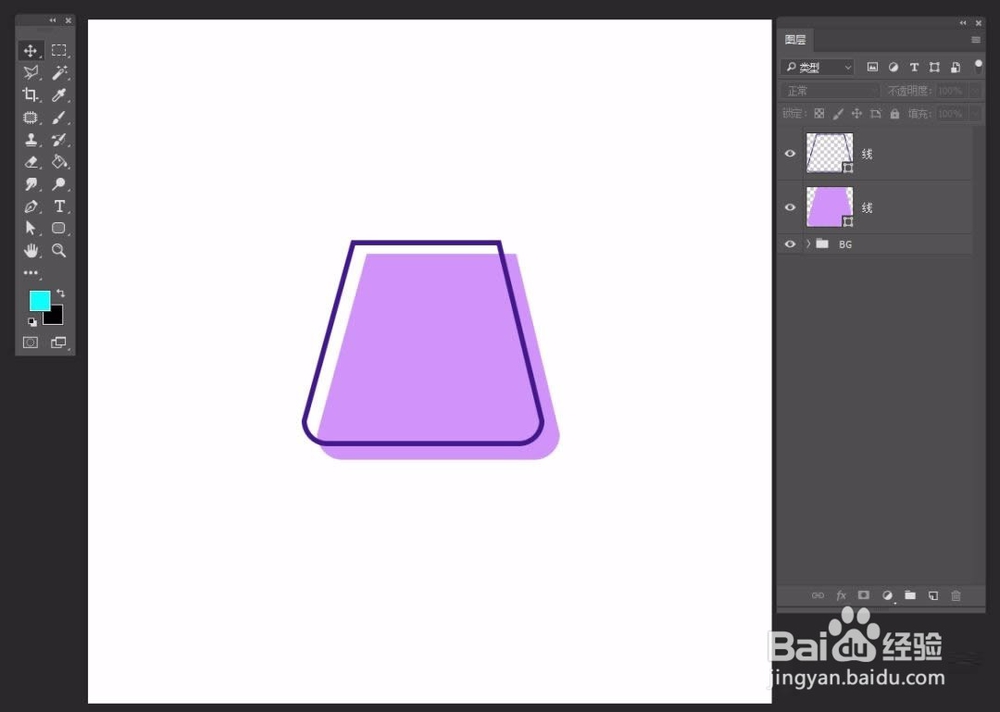
3、选择图层CTRL+J复制一个,去掉描边,设置填充,移动位置
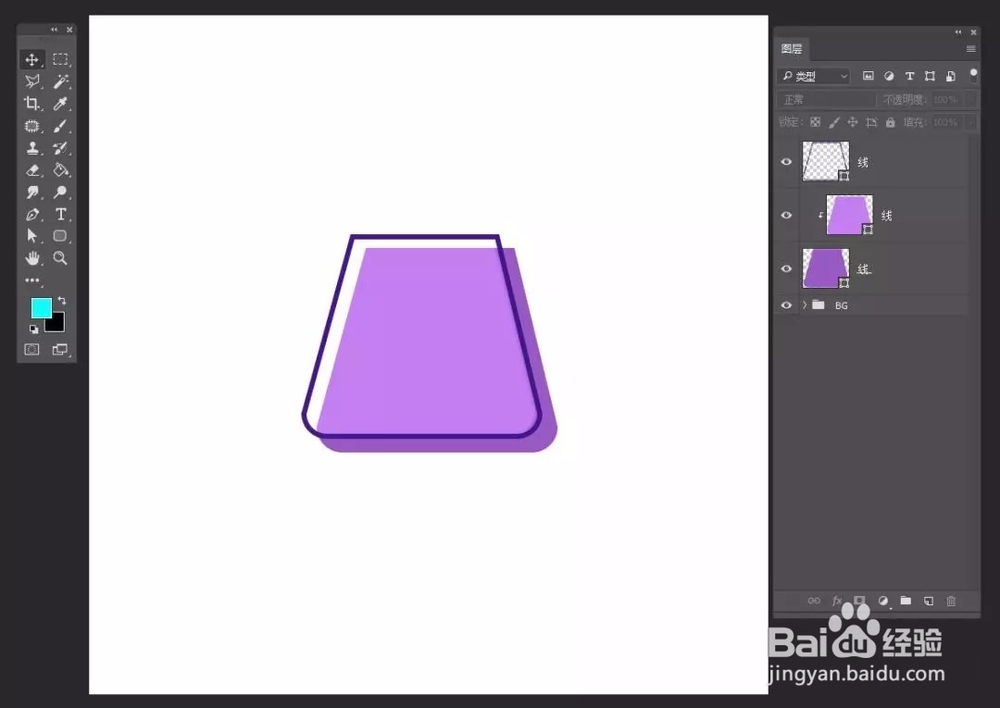
4、剪切蒙版,建立阴影
5、选择椭圆形状工具,添加小孔
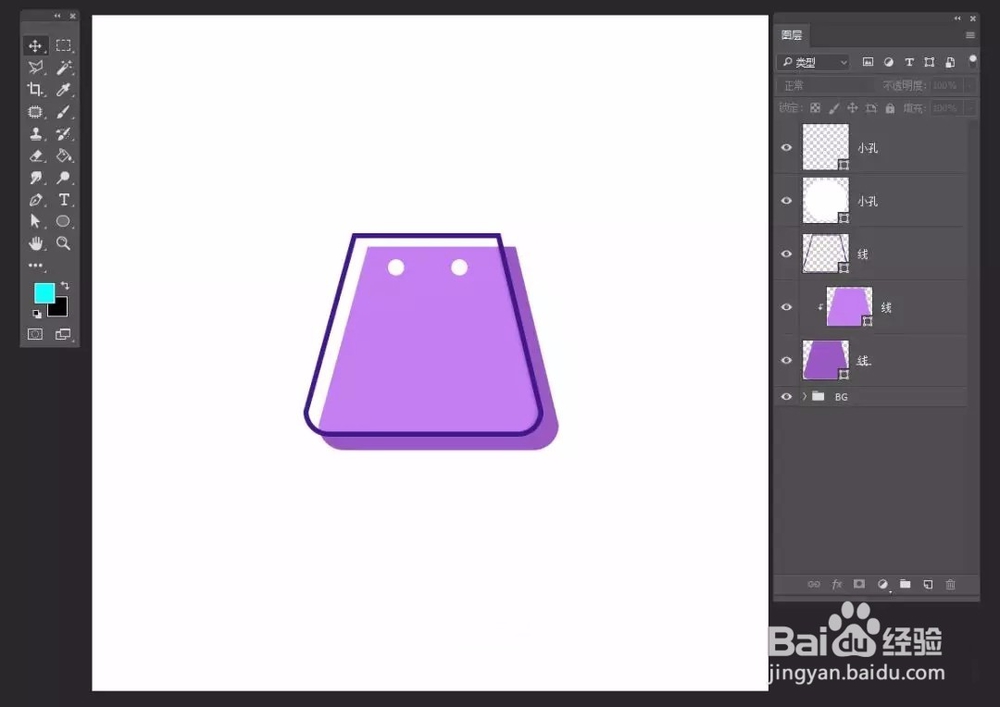
6、选择钢笔工具,添加提绳


1、新建文件,给背景填充你喜欢的颜色
2、选择圆角矩形工具,设置描边,去掉填充,调整圆角大小
3、选择图层CTRL+J复制一个,去掉描边,设置填充,移动位置
4、剪切蒙版,建立阴影
5、选择椭圆形状工具,添加小孔
6、选择钢笔工具,添加提绳