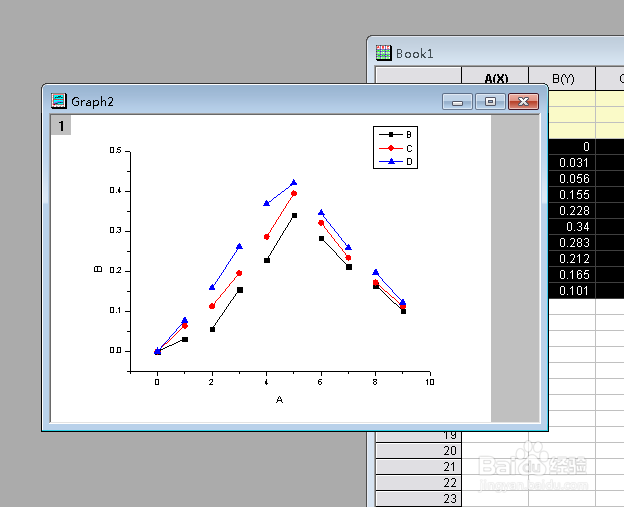
如何在origin中添加2 point segment图?
1、点击电脑桌面左上角的origin图。

2、然后选中其中的数据,点击打开。

3、然后单击鼠标右键,点击其中的plot,点击打开。

4、然后点击其中的line symbol,点击打开。

5、最后点击下一菜单中的2 point segment,点击即可完成。

阅读量:115
阅读量:134
阅读量:93
阅读量:109
阅读量:22
1、点击电脑桌面左上角的origin图。
2、然后选中其中的数据,点击打开。
3、然后单击鼠标右键,点击其中的plot,点击打开。
4、然后点击其中的line symbol,点击打开。
5、最后点击下一菜单中的2 point segment,点击即可完成。