有赞微商城如何设置客户消息提醒?
1、打开有赞微商城,如图所示:

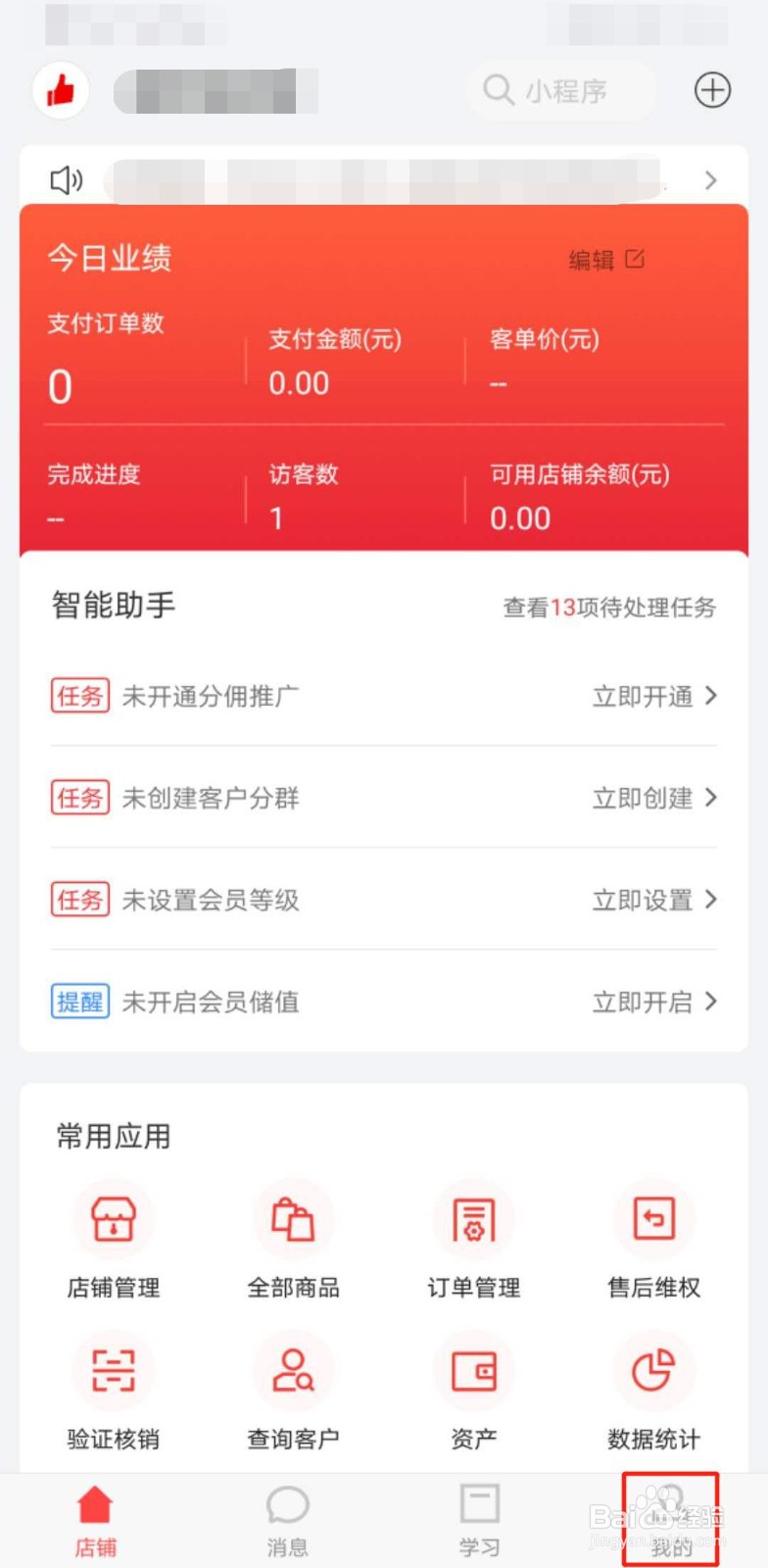
2、点击“我的”,如图所示:
3、点击“设置”,如图所示:

4、点击“消息设置”,如图所示:

5、点击“客户消息提醒”,如图所示:
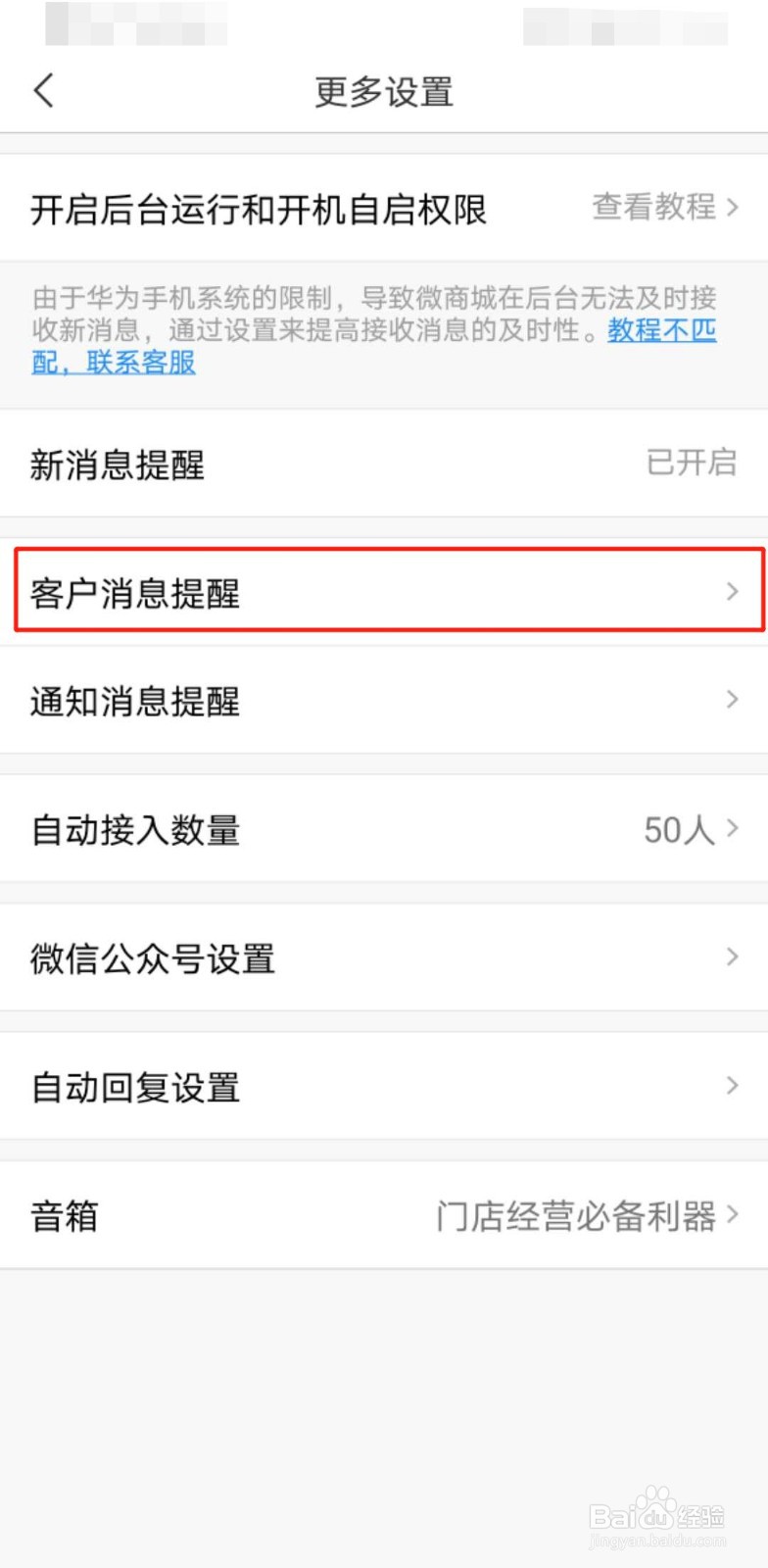
6、设置客户消息提醒,如图所示:

7、总结:
1、打开有赞微商城;
2、点击“我的”;
3、点击“设置”;
4、点击“消息设置”;
5、点击“客户消息提醒”;
6、设置客户消息提醒;
阅读量:139
阅读量:76
阅读量:81
阅读量:181
阅读量:124
1、打开有赞微商城,如图所示:
2、点击“我的”,如图所示:
3、点击“设置”,如图所示:
4、点击“消息设置”,如图所示:
5、点击“客户消息提醒”,如图所示:
6、设置客户消息提醒,如图所示:
7、总结:
1、打开有赞微商城;
2、点击“我的”;
3、点击“设置”;
4、点击“消息设置”;
5、点击“客户消息提醒”;
6、设置客户消息提醒;