Powerpoint中如何给折线图加标注?
1、在Powerpoint中插入折线图。
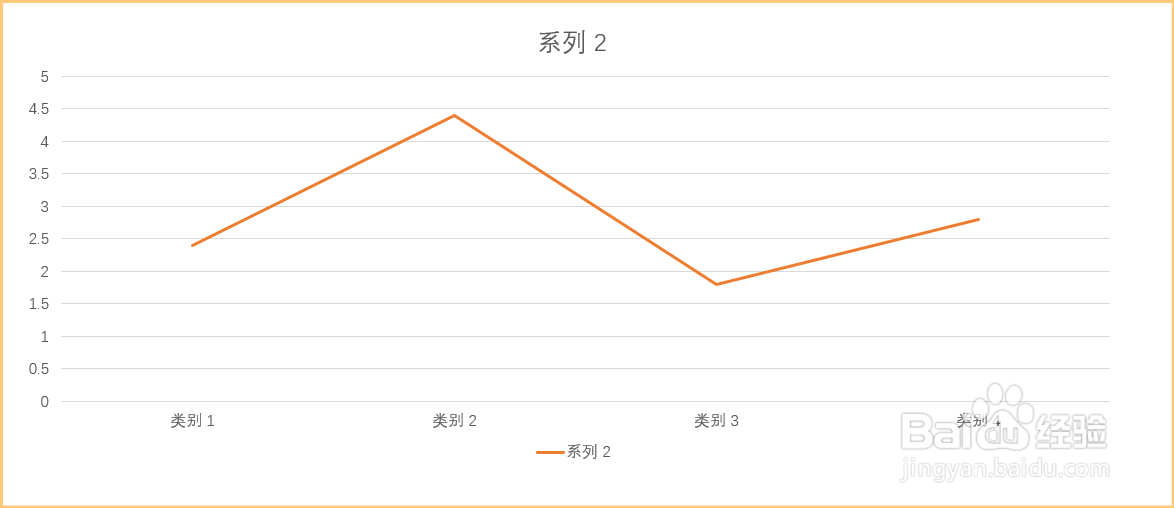
2、选中折线图,激活图表工具菜单。

3、点击设计,在设计菜单下选择添加图表元素。

4、依次选择数据标签→数据标注。

5、折线图中就添加好了数据标注。

阅读量:20
阅读量:126
阅读量:146
阅读量:181
阅读量:34
1、在Powerpoint中插入折线图。
2、选中折线图,激活图表工具菜单。
3、点击设计,在设计菜单下选择添加图表元素。
4、依次选择数据标签→数据标注。
5、折线图中就添加好了数据标注。