用cooledit怎么轻松消除环境噪音
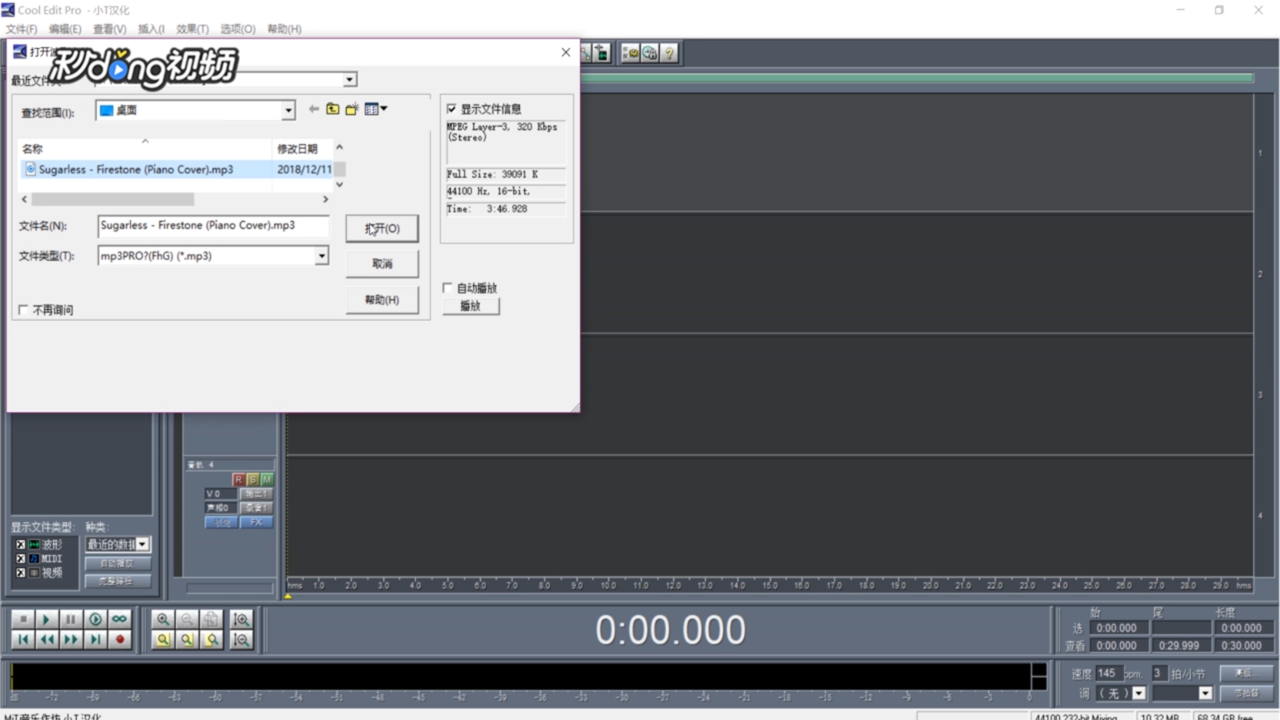
1、点击“插入”,在菜单栏中选择音频。
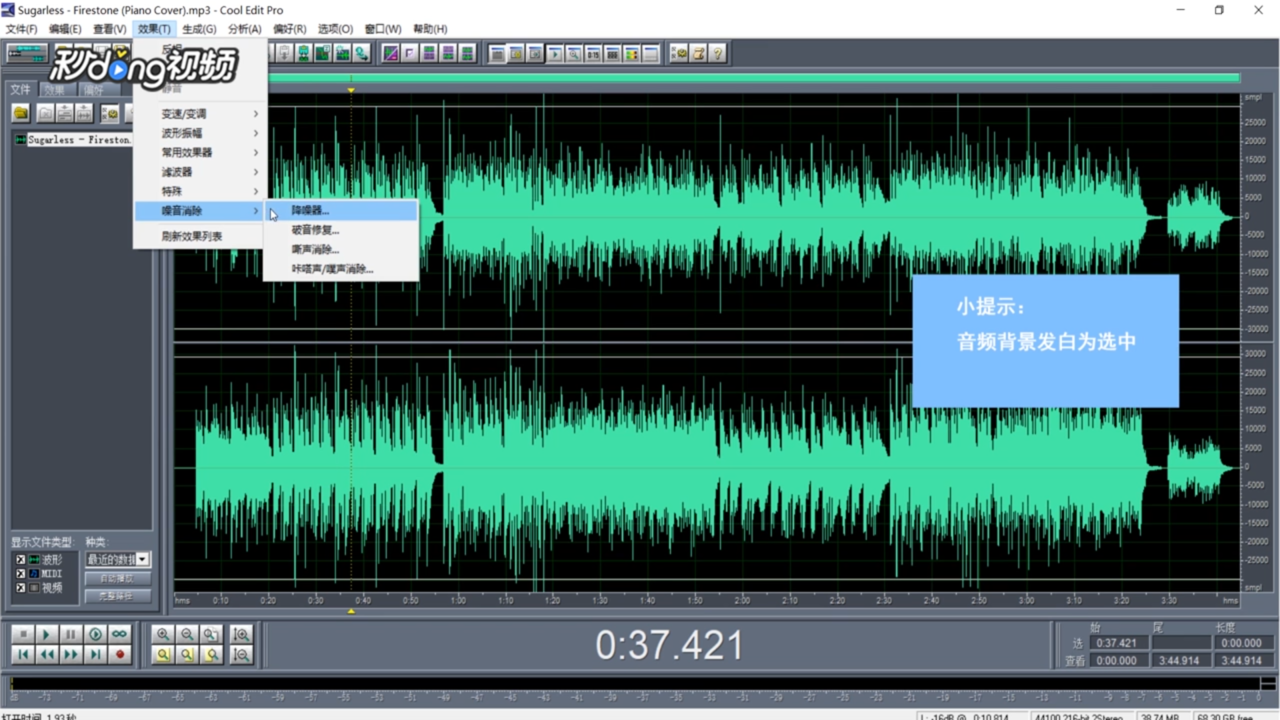
2、点击“效果”,选择“噪音消除”选择“噪音器”。
3、点击“噪音采样”。

4、点击“保存采样”。

5、右键选择“全部波形”。

6、重复操作,点击“加载采样”。

7、点击“确定”,即可。

阅读量:138
阅读量:79
阅读量:103
阅读量:124
阅读量:117
1、点击“插入”,在菜单栏中选择音频。
2、点击“效果”,选择“噪音消除”选择“噪音器”。
3、点击“噪音采样”。
4、点击“保存采样”。
5、右键选择“全部波形”。
6、重复操作,点击“加载采样”。
7、点击“确定”,即可。