Unable to start the daemon process
1、首先回到Welcome to Android Studio界面,单机Configure。
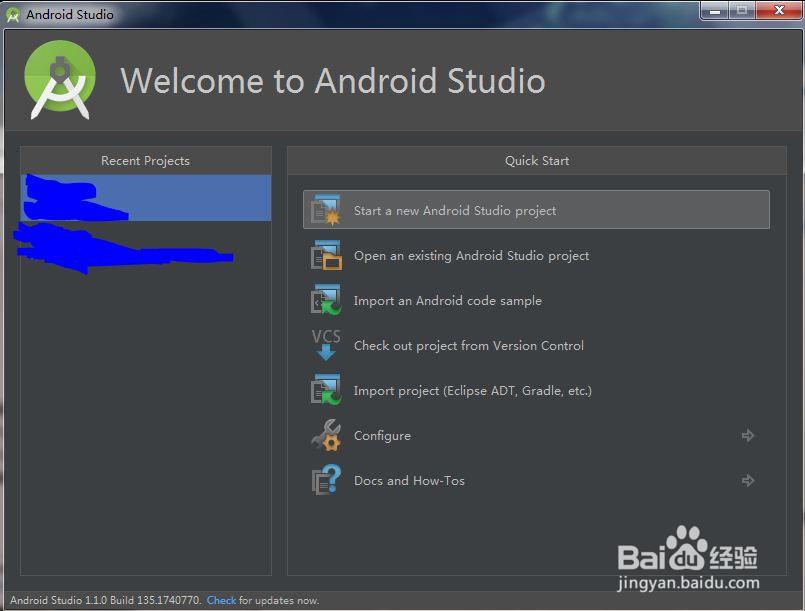
2、单击Settings。
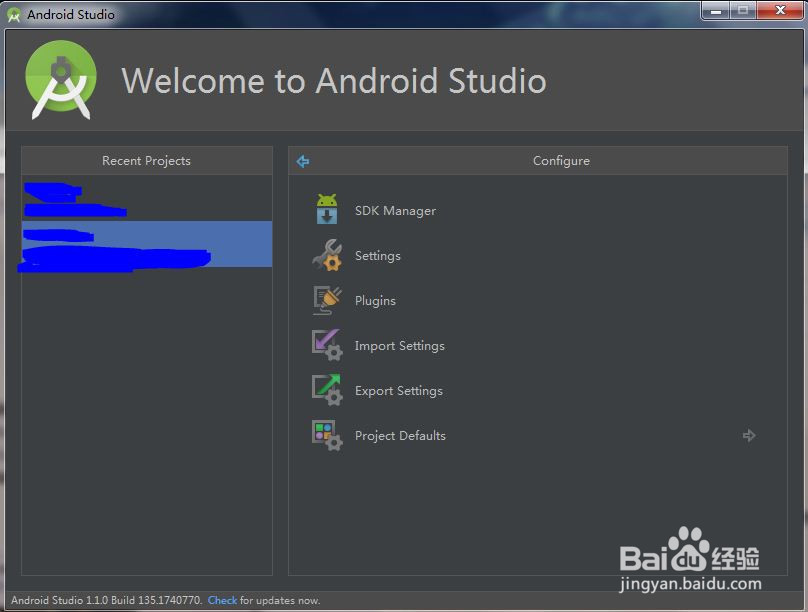
3、选择Compiler (Gradle-based AndroidProjects),VM Options 设置为-Xmx512m即可。

4、再次打开项目即可。
1、第二种可能是因为打开的程序太多了,试着关掉一些程序,再重新打开试试~
阅读量:80
阅读量:87
阅读量:87
阅读量:127
阅读量:184