apple账户头像如何换
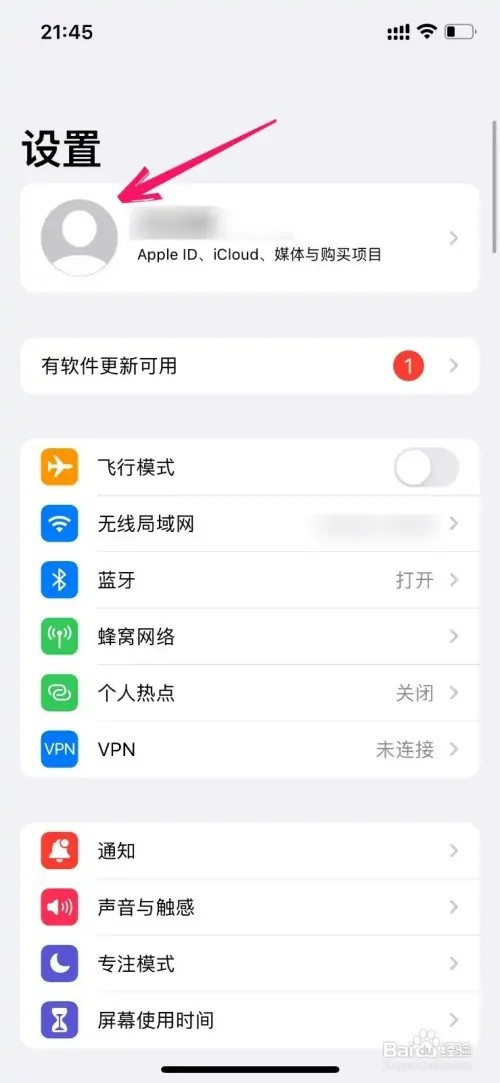
1、点击登录账户
先进入iPhone手机设置,在设置页面里点击登录的账户。
2、点击编辑
在登录的Apple ID页面里找到头像后点击编辑。

3、选择设置头像
在手机相册页面里点击要设置的头像就可以了。

阅读量:27
阅读量:116
阅读量:40
阅读量:185
阅读量:134
1、点击登录账户
先进入iPhone手机设置,在设置页面里点击登录的账户。
2、点击编辑
在登录的Apple ID页面里找到头像后点击编辑。
3、选择设置头像
在手机相册页面里点击要设置的头像就可以了。