FastStone Image Viewer图像浮雕效果
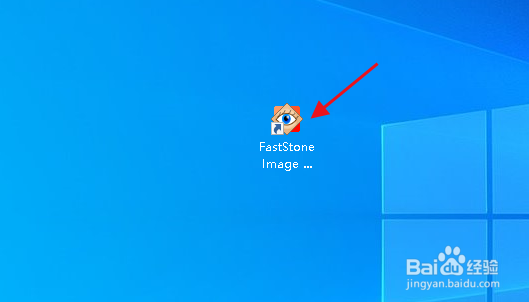
1、双击 FastStone Image Viewer 桌面快捷方式图标,打开软件。
2、在 FastStone Image Viewer 中打开图片,点击“特效>浮雕”。

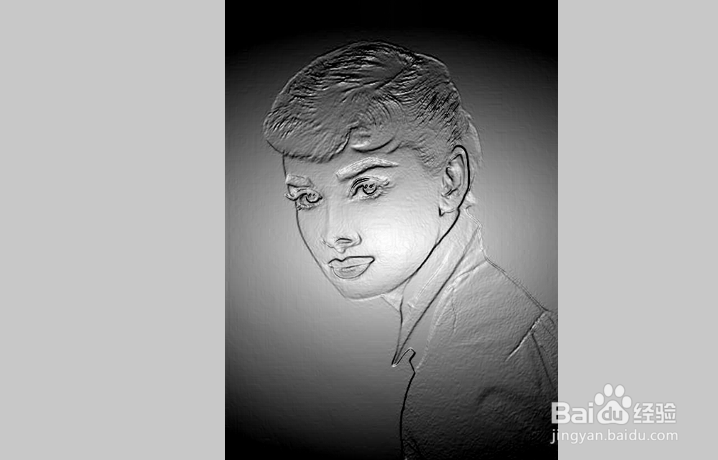
3、调整参数,满意后点击“确定”。

阅读量:179
阅读量:187
阅读量:177
阅读量:155
阅读量:55
1、双击 FastStone Image Viewer 桌面快捷方式图标,打开软件。
2、在 FastStone Image Viewer 中打开图片,点击“特效>浮雕”。
3、调整参数,满意后点击“确定”。