arcgis脚本中如何写删除文件夹
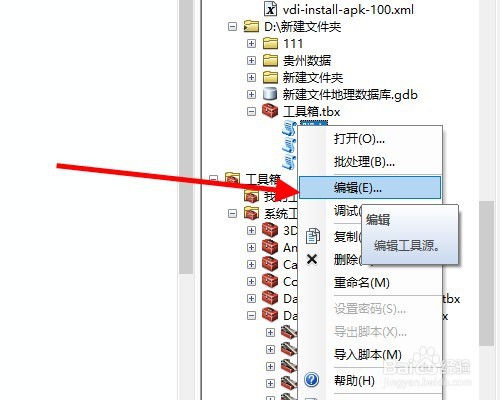
1、首先,开始编辑脚本文件。
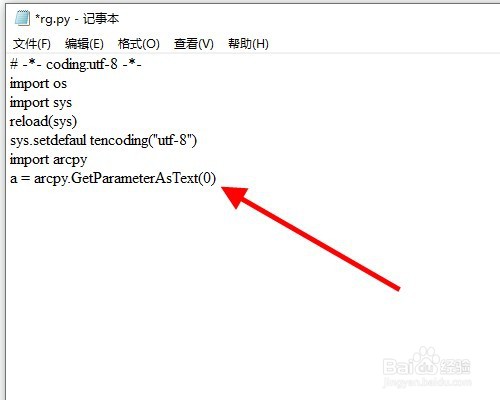
2、然后,a = arcpy.GetParameterAsText(0)来插入文件目录。
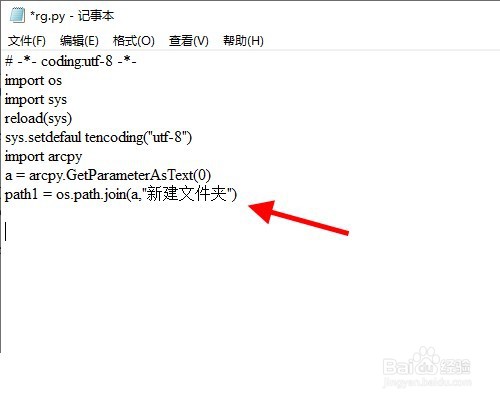
3、指定删除的文件夹:path1 = os.path.join(a,"新建文件夹")。
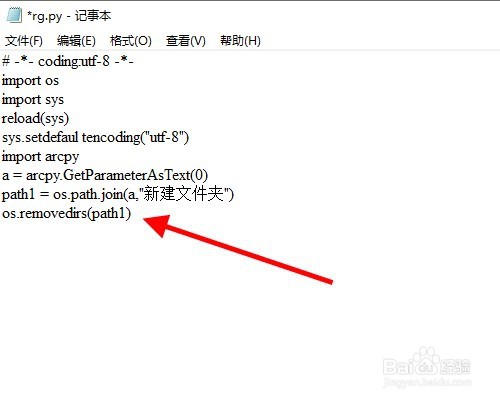
4、写入删除代码:os.removedirs(path1)。
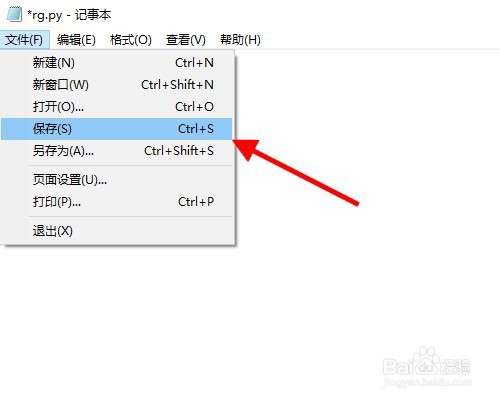
5、然后,保存代码。
6、最后,执行脚本代码。
阅读量:65
阅读量:167
阅读量:54
阅读量:156
阅读量:190
1、首先,开始编辑脚本文件。
2、然后,a = arcpy.GetParameterAsText(0)来插入文件目录。
3、指定删除的文件夹:path1 = os.path.join(a,"新建文件夹")。
4、写入删除代码:os.removedirs(path1)。
5、然后,保存代码。
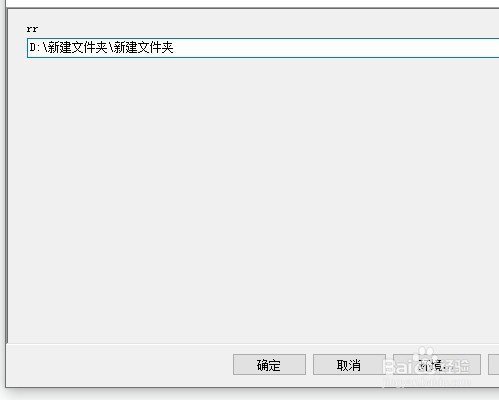
6、最后,执行脚本代码。