Office 365如何设置取消次数?

2026-02-15 16:29:58

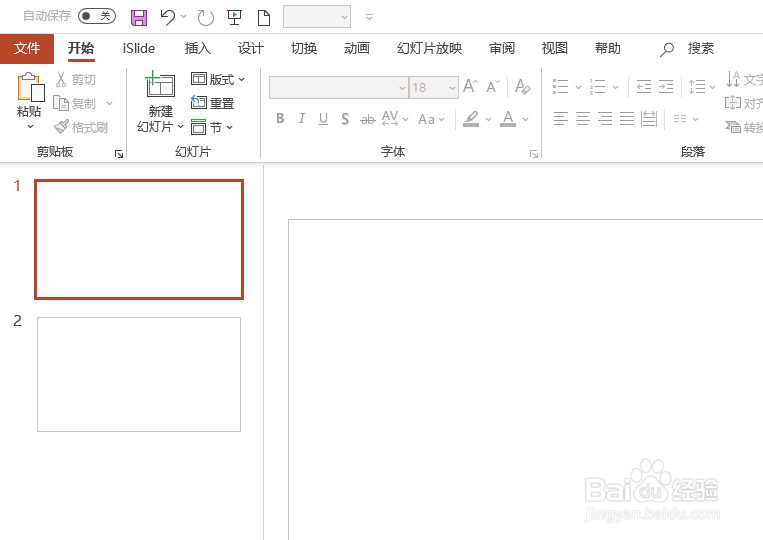
1、打开PPT套件。如图:

Office 365如何设置取消次数?

2、选择文件。如图:

Office 365如何设置取消次数?

3、选择选项。如图:

Office 365如何设置取消次数?

4、选择高级。如图:

Office 365如何设置取消次数?

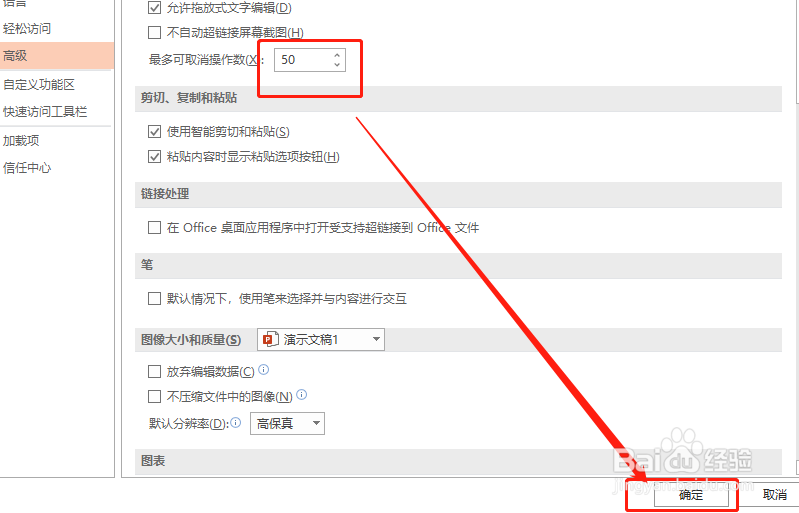
5、在高级中调整次数。如图:

Office 365如何设置取消次数?

6、点击确定即可。如图:

Office 365如何设置取消次数?

1、1.打开套件。

2.在文件选项中选择高级。

3.高级中选择次数即可。

猜你喜欢