百度网盘,怎么设置不让通过标签搜索到我?
1、在手机桌面点击【百度网盘】。
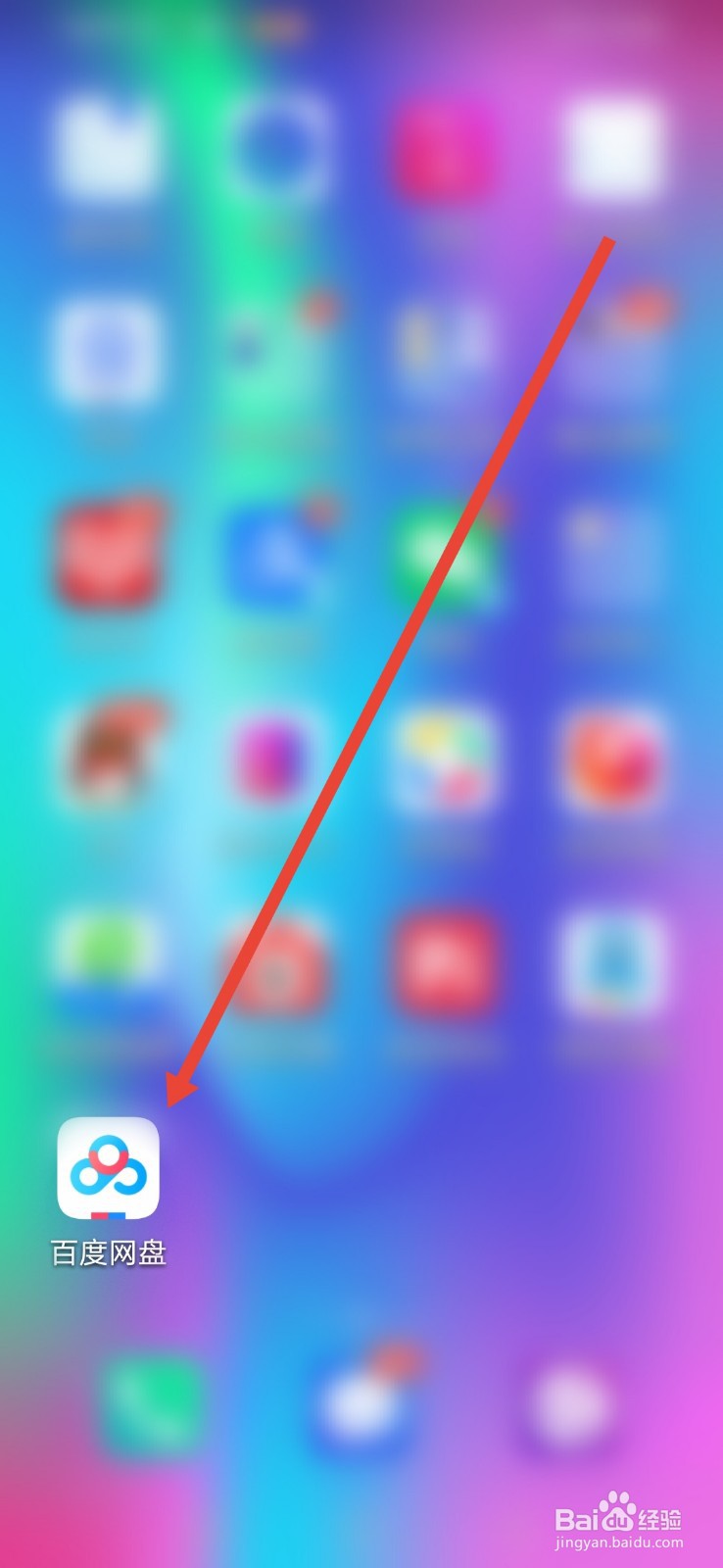
2、进入界面点击【我的】。

3、进入我的界面点击【设置】。

4、然后在设置里点击【隐私设置】。

5、进入隐私设置点击【加好友验证设置】。
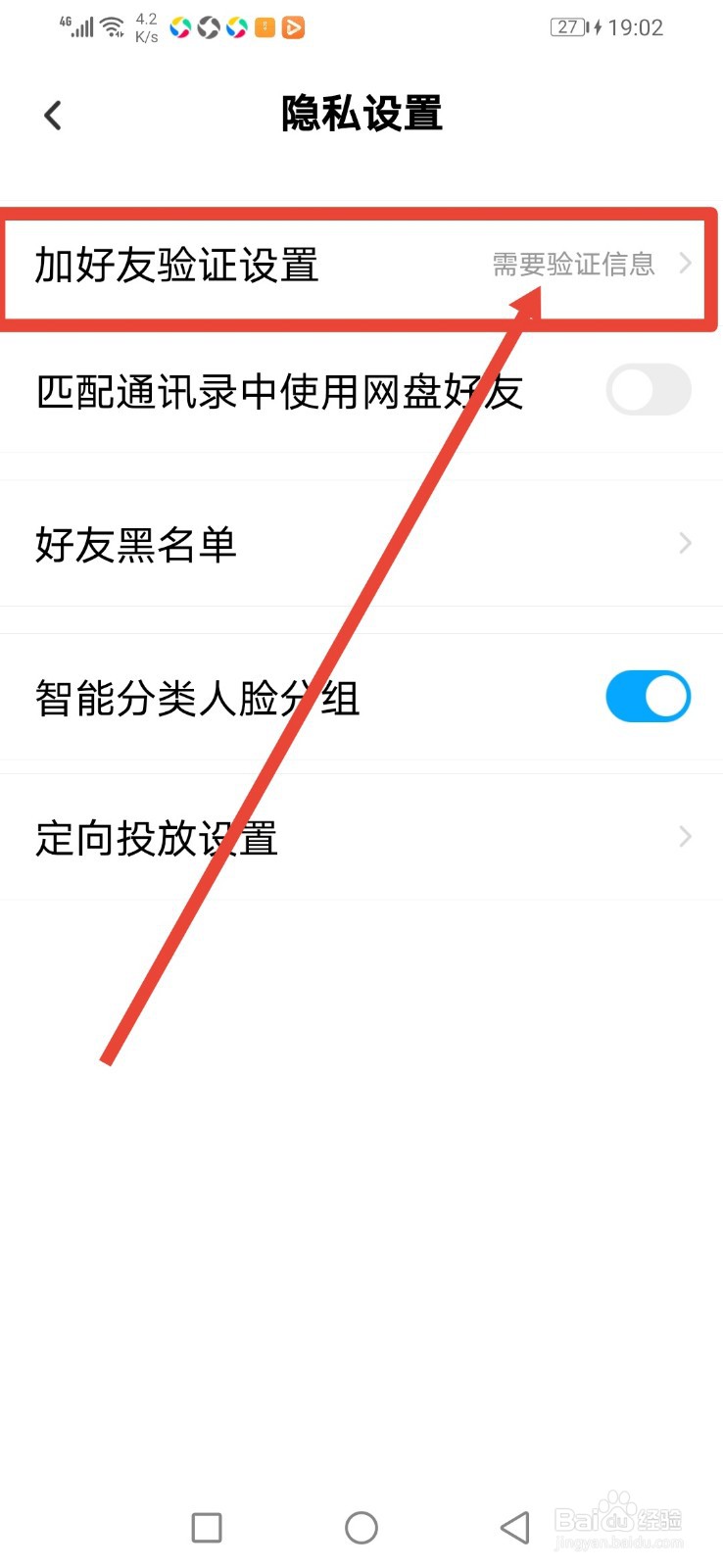
6、进入下一步,然后把【可以通过标签搜索到我】的按钮关闭即可。

阅读量:163
阅读量:169
阅读量:22
阅读量:150
阅读量:112
1、在手机桌面点击【百度网盘】。
2、进入界面点击【我的】。
3、进入我的界面点击【设置】。
4、然后在设置里点击【隐私设置】。
5、进入隐私设置点击【加好友验证设置】。
6、进入下一步,然后把【可以通过标签搜索到我】的按钮关闭即可。