excel表格中怎么快速求最大值?
1、打开excel表格

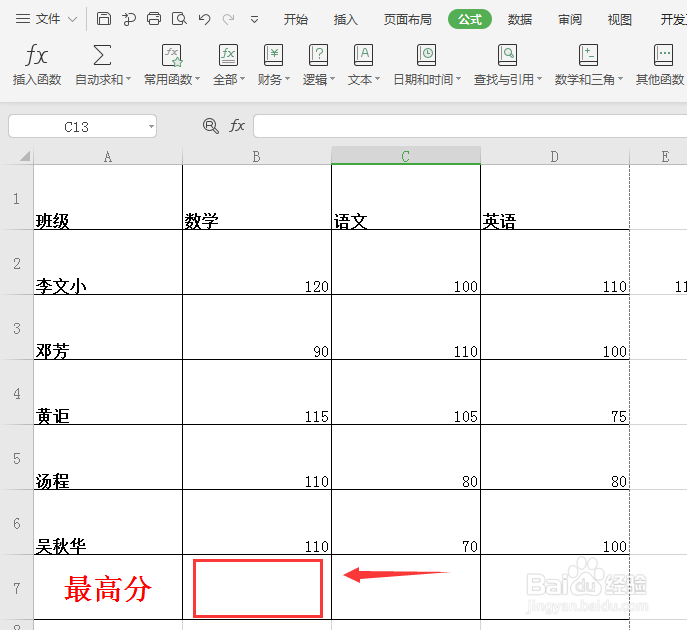
2、鼠标放入求最大值表格处
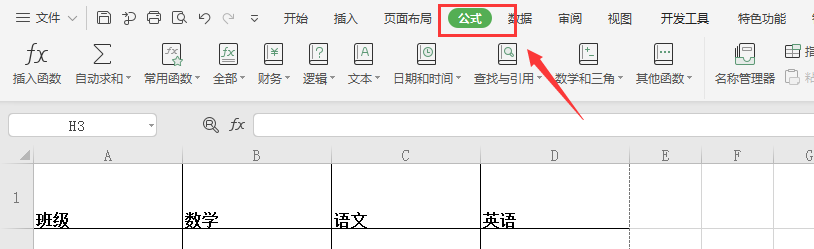
3、点击表格上方工具栏的【公式】
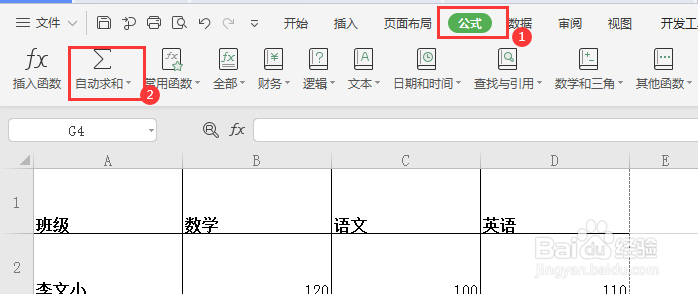
4、点击【公式】下方的【自动求和】旁边的倒小三角
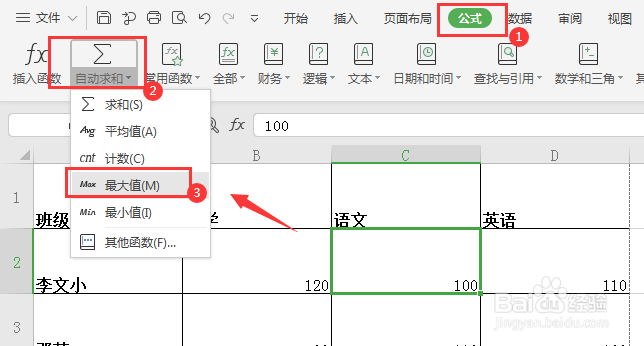
5、选择【最大值】
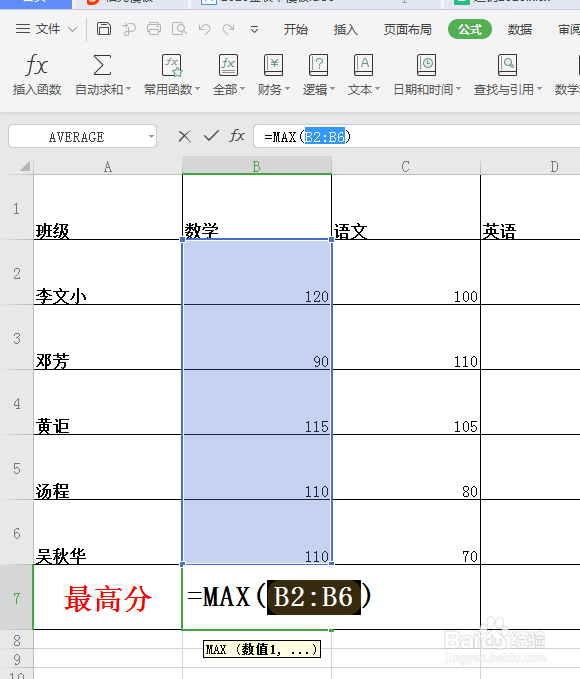
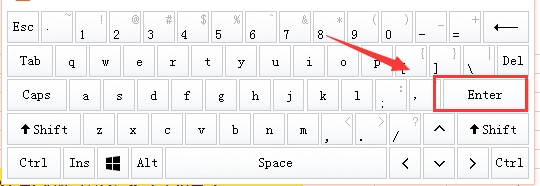
6、最后,在键盘上按【Enter】回车键
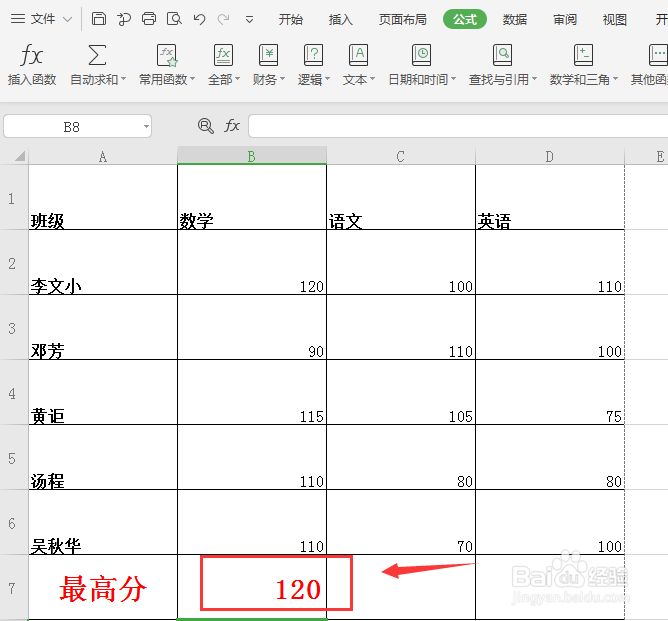
7、求出最大值,完成!
阅读量:122
阅读量:173
阅读量:87
阅读量:93
阅读量:195
1、打开excel表格
2、鼠标放入求最大值表格处
3、点击表格上方工具栏的【公式】
4、点击【公式】下方的【自动求和】旁边的倒小三角
5、选择【最大值】
6、最后,在键盘上按【Enter】回车键
7、求出最大值,完成!