java 使用switch完成对应月份输出季节
1、打开电脑上的eclipse软件,配置好jdk的。
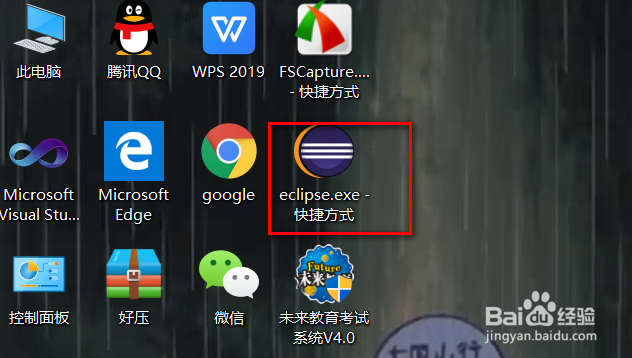
2、然后new一个Javaproject,

3、新建一个class文件,勾引main选项,自动调用main方法

4、输入代码
package com.itheima.day26;
import java.util.Scanner;
class Demo1_Switch {
public static void main(String[] args) {
Scanner sc = new Scanner(System.in);
System.out.println("请输入月份");
int month = sc.nextInt();//将键盘录入的结果存储在month
switch (month) {
case 3:
case 4:
case 5:
System.out.println(month + "月是春季");
break;
case 6:
case 7:
case 8:
System.out.println(month + "月是夏季");
break;
case 9:
case 10:
case 11:
System.out.println(month + "月是秋季");
break;
case 12:
case 1:
case 2:
System.out.println(month + "月是冬季");
break;
default:
System.out.println("对不起没有对应的季节");
break;}}}

5、控制台会出现
请输入月份
3
3月是春季

阅读量:193
阅读量:187
阅读量:94
阅读量:87
阅读量:196