IntelliJ IDEA怎么关闭代码折叠注解
1、打开一个的IntelliJ IDEA的界面中
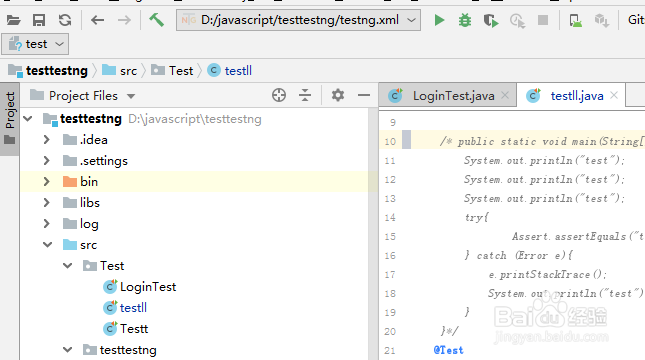
2、点击了IntelliJ IDEA的界面中,点击左上角中的 file 菜单
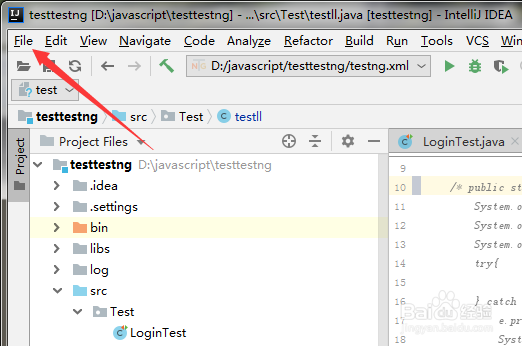
3、点击了file菜单之后,弹出了下拉菜单选中为 settings 选项

4、进入到了settings界面中,选中左侧中的 code folding 选项
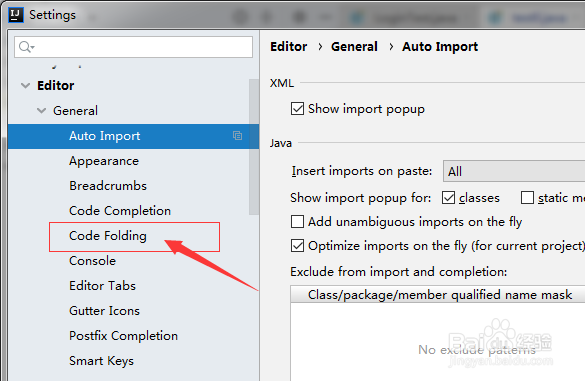
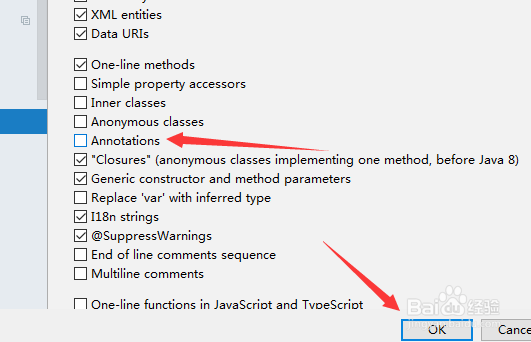
5、进入到了code folding界面中,去掉 annotations选项
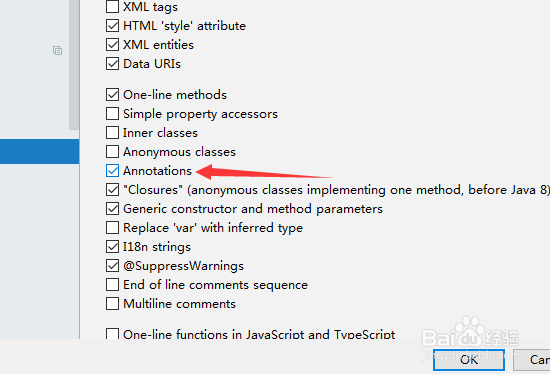
6、去掉 annotations选项之后,点击 ok 来保存设置
1、点击左上角中的 file 菜单
选中为 settings 选项
选中左侧中的 code folding 选项
去掉 annotations选项
点击 ok 来保存设置
阅读量:159
阅读量:22
阅读量:135
阅读量:70
阅读量:149