终端模拟器如何设置退出shell时关闭窗口
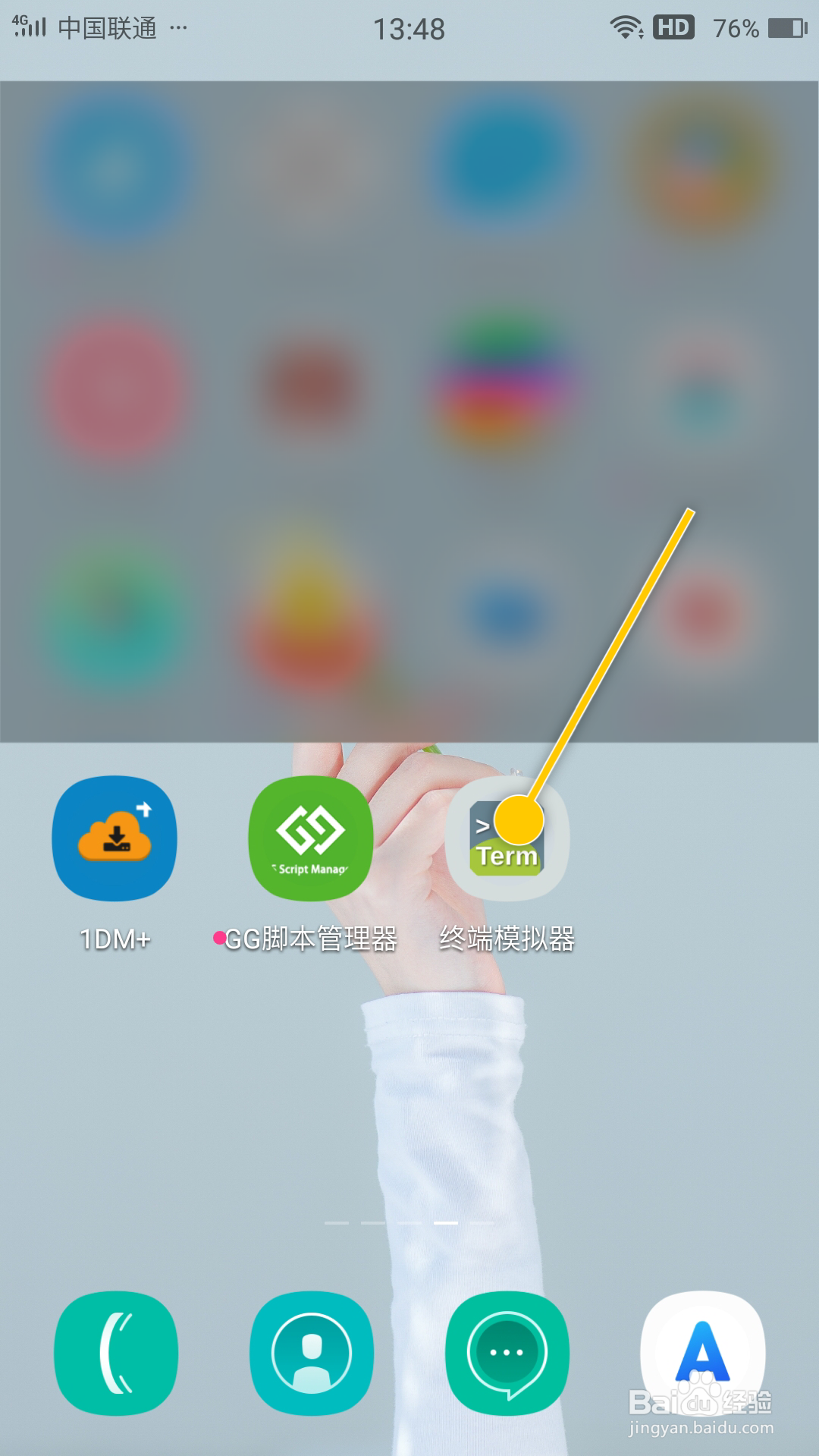
1、在手机桌面中,点击“终端模拟器”软件图标。
1、在“终端模拟器 > 首选项”界面中,勾选“退出时关闭窗口”选项的勾选开关。

2、勾选“退出时关闭窗口”选项后,这样就成功设置退出shell时关闭窗口。

阅读量:44
阅读量:50
阅读量:171
阅读量:64
阅读量:156
1、在手机桌面中,点击“终端模拟器”软件图标。
1、在“终端模拟器 > 首选项”界面中,勾选“退出时关闭窗口”选项的勾选开关。
2、勾选“退出时关闭窗口”选项后,这样就成功设置退出shell时关闭窗口。