Win10安全中心主页显示空白的解决方法
1、复制以下内容,打开记事本粘贴并保存,同时将记事本文件的【txt后缀名改为reg】
Windows Registry Editor Version 5.00
[HKEY_LOCAL_MACHINE\SOFTWARE\Policies\Microsoft\Windows Defender]
"DisableAntiSpyware"=dword:00000000
[HKEY_LOCAL_MACHINE\SOFTWARE\Policies\Microsoft\Windows Defender\Real-Time Protection]
"DisableBehaviorMonitoring"=dword:00000000
"DisableIOAVProtection"=dword:00000000
"DisableOnAccessProtection"=dword:00000000
"DisableRealtimeMonitoring"=dword:00000000
[HKEY_LOCAL_MACHINE\SYSTEM\CurrentControlSet\Services\SecurityHealthService]
"Start"=dword:00000002
2、运行【.reg】文件后,重启电脑。
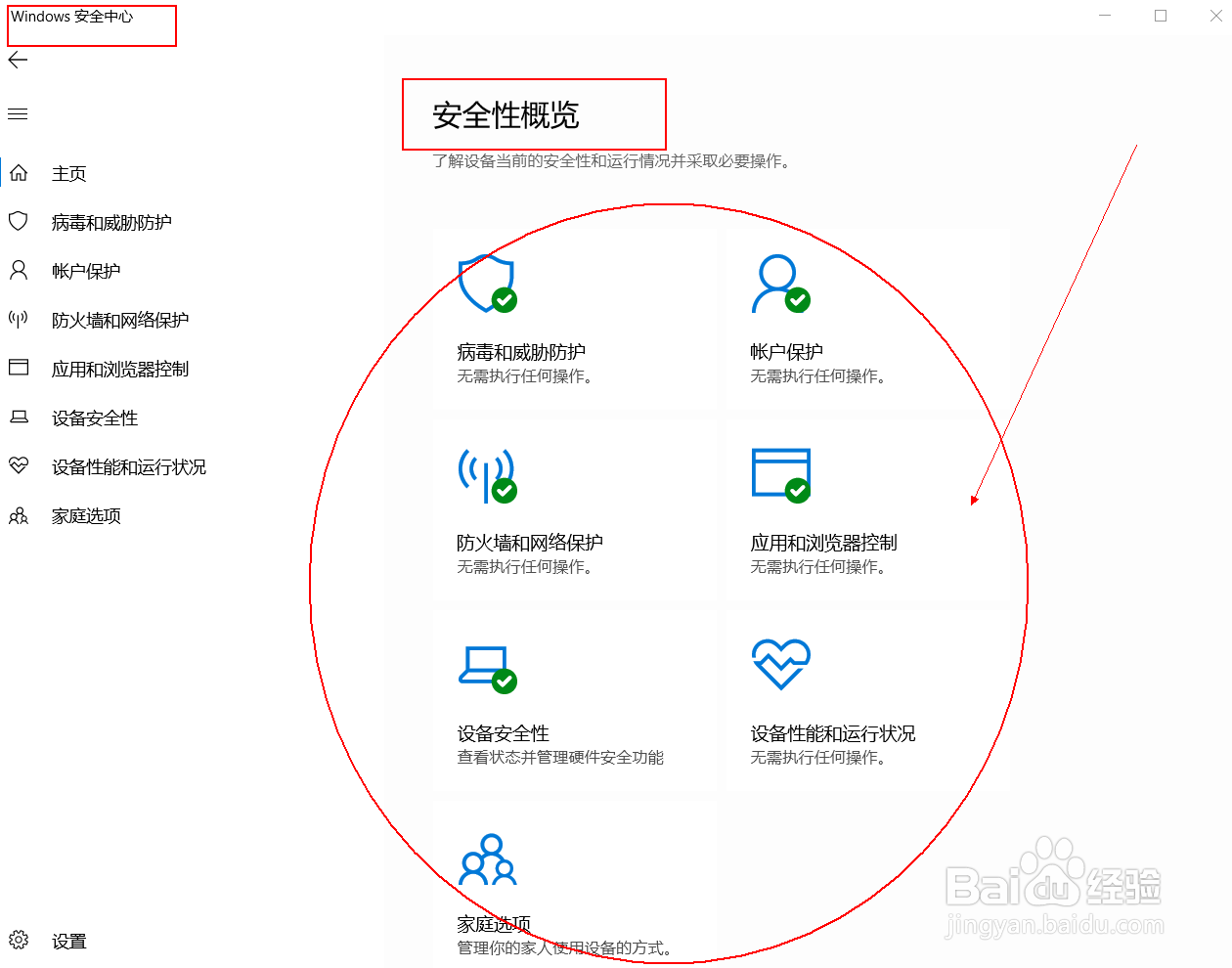
3、重启电脑后,Windows安全中心主页右侧,安全性概览中病毒和威胁防护、防火墙和网络防护等都显示出来了。
阅读量:159
阅读量:128
阅读量:40
阅读量:36
阅读量:177