如何在excel中为数据表格创建组
1、打开一个需要编辑的excel表格。
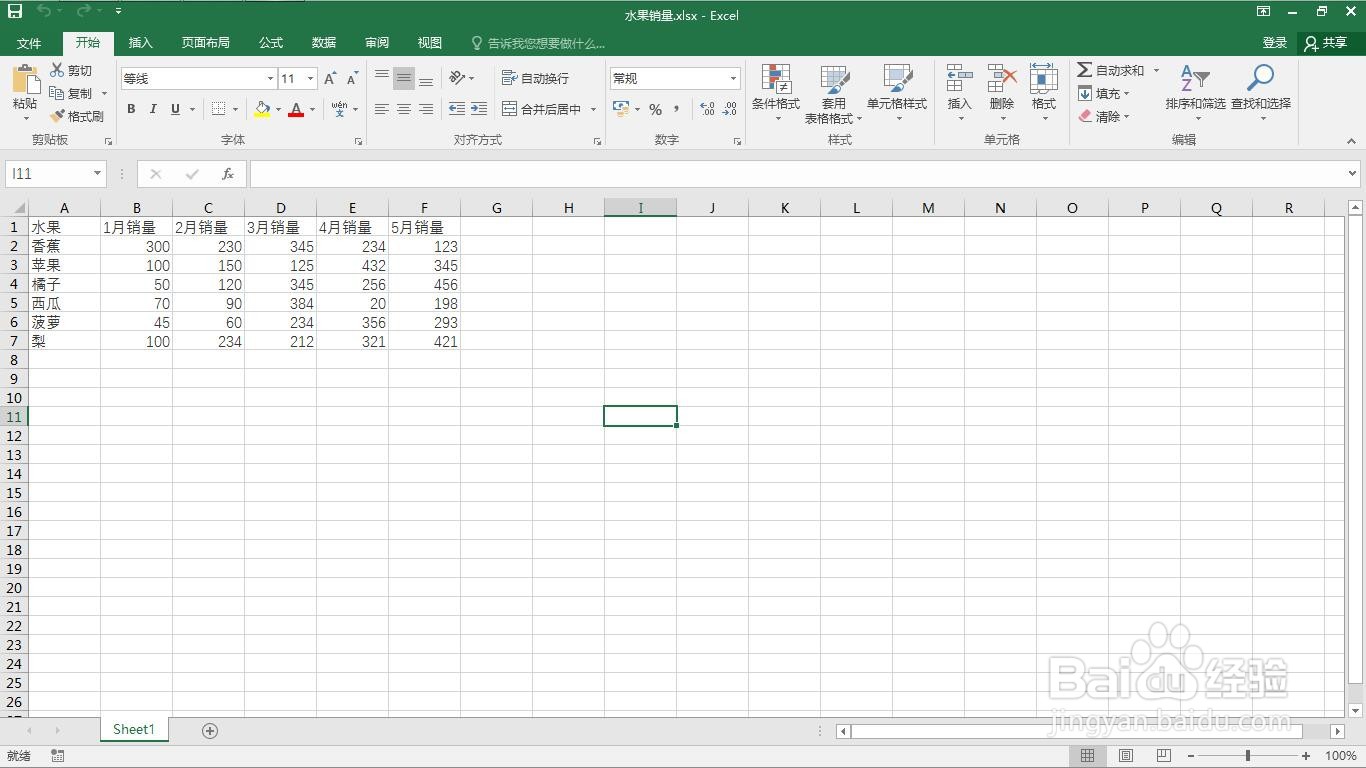
2、选中将要分组的数据区域。
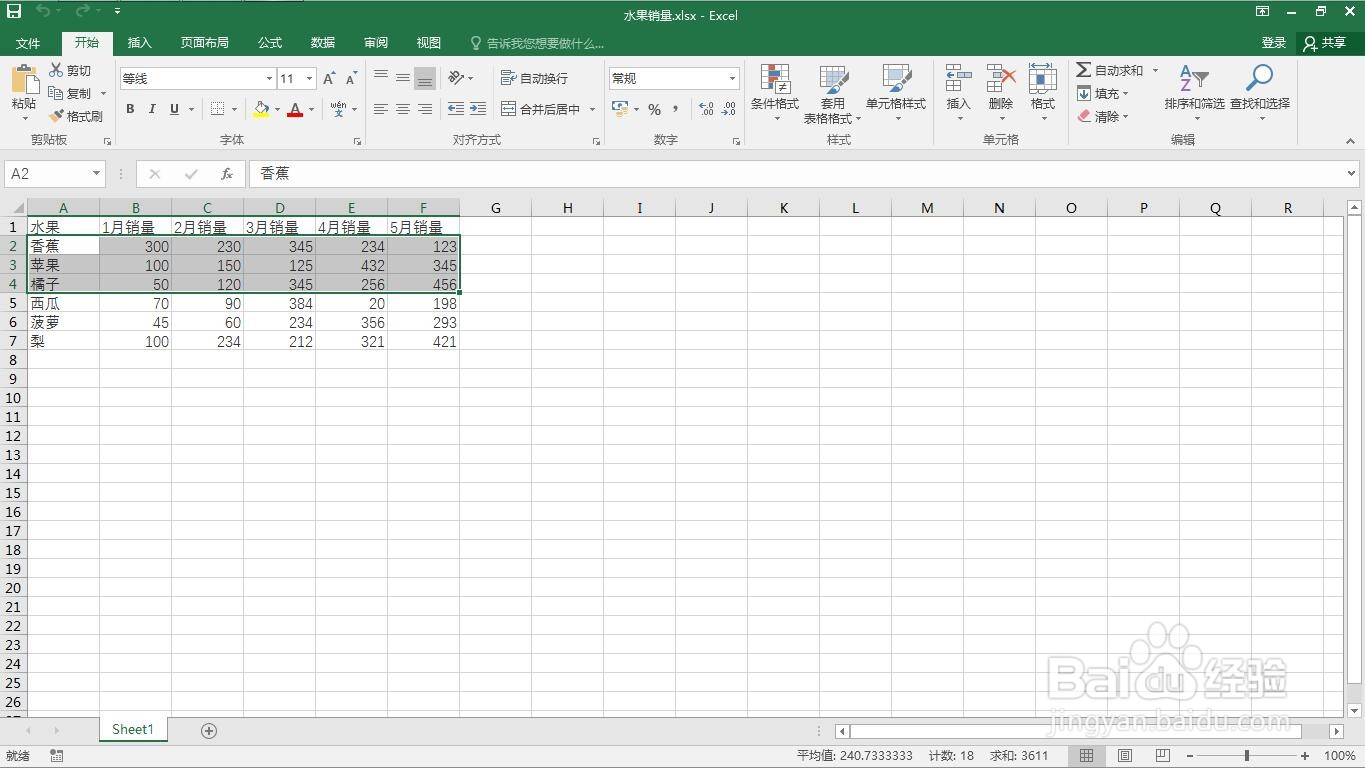
3、点击“数据”菜单。
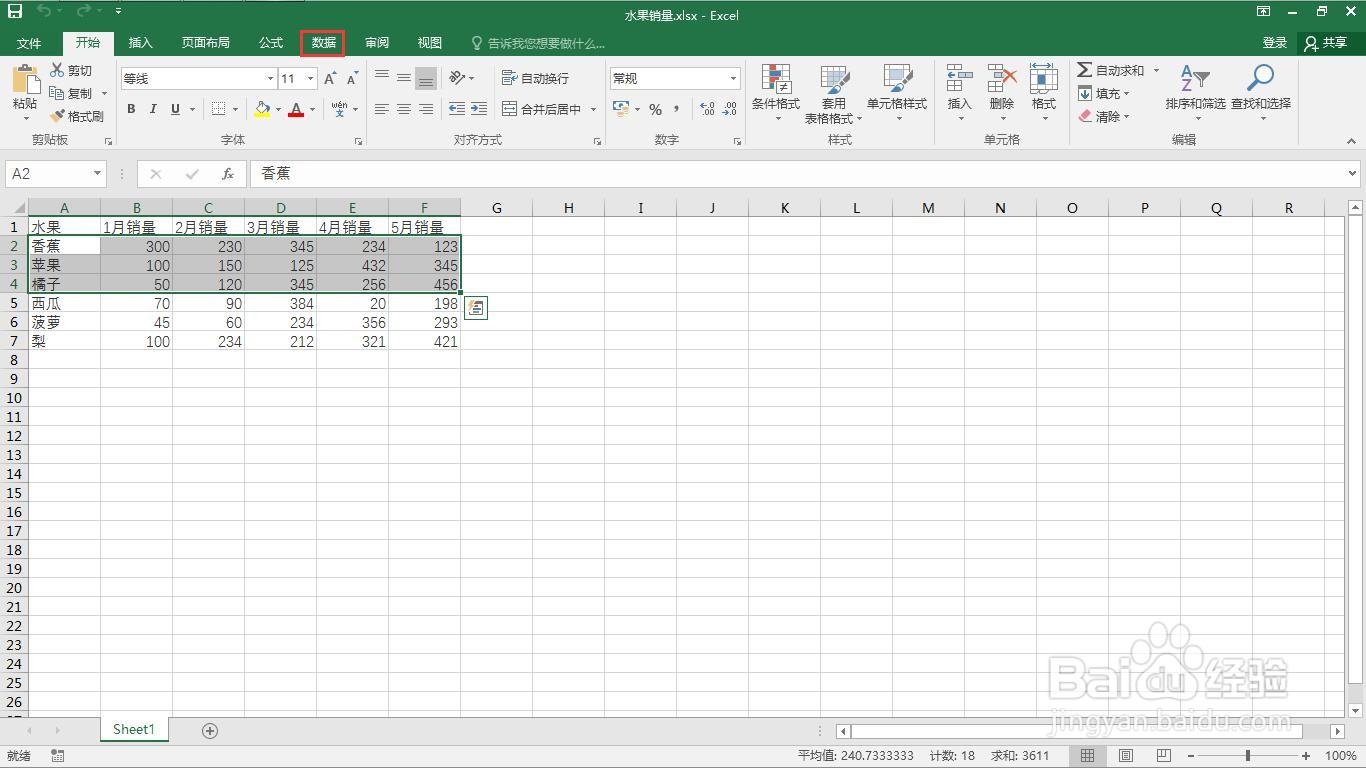
4、点击“创建组”下的小三角。
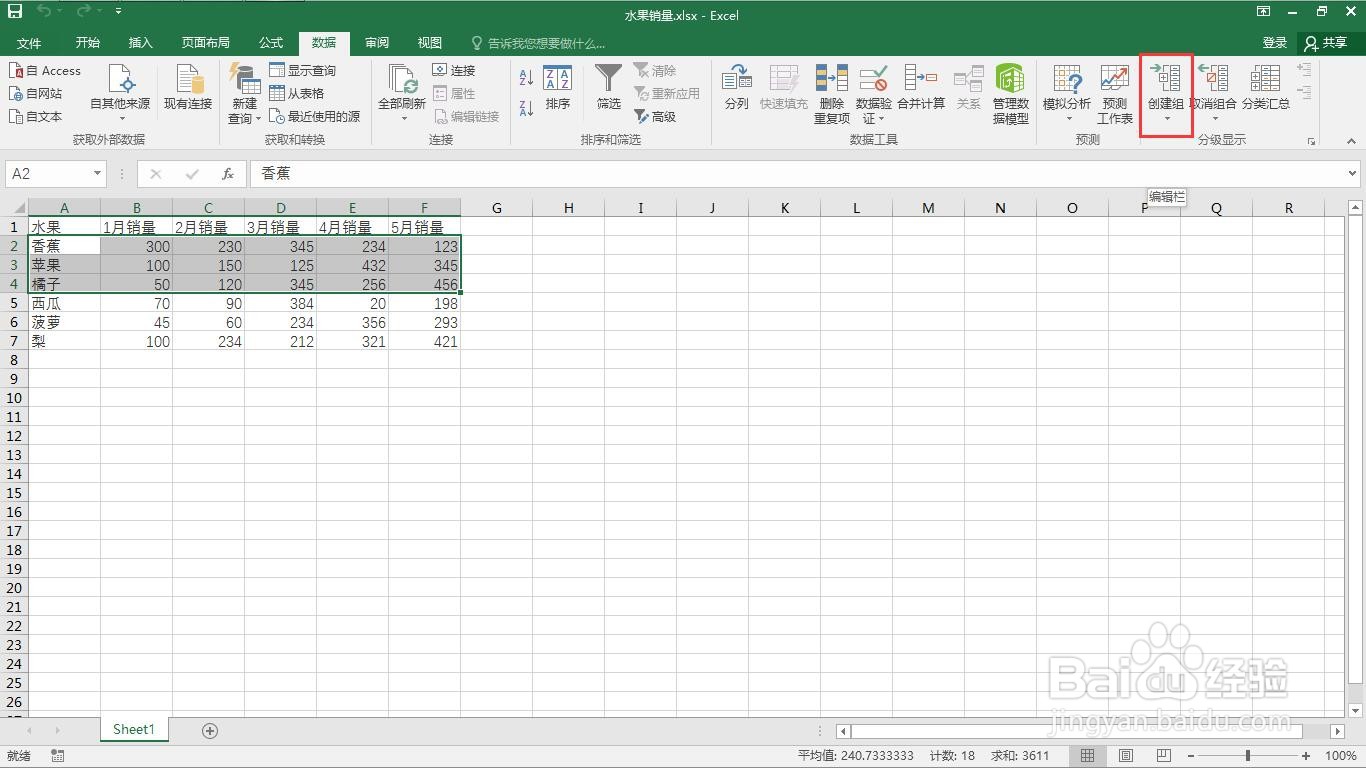
5、弹出创建组窗口。
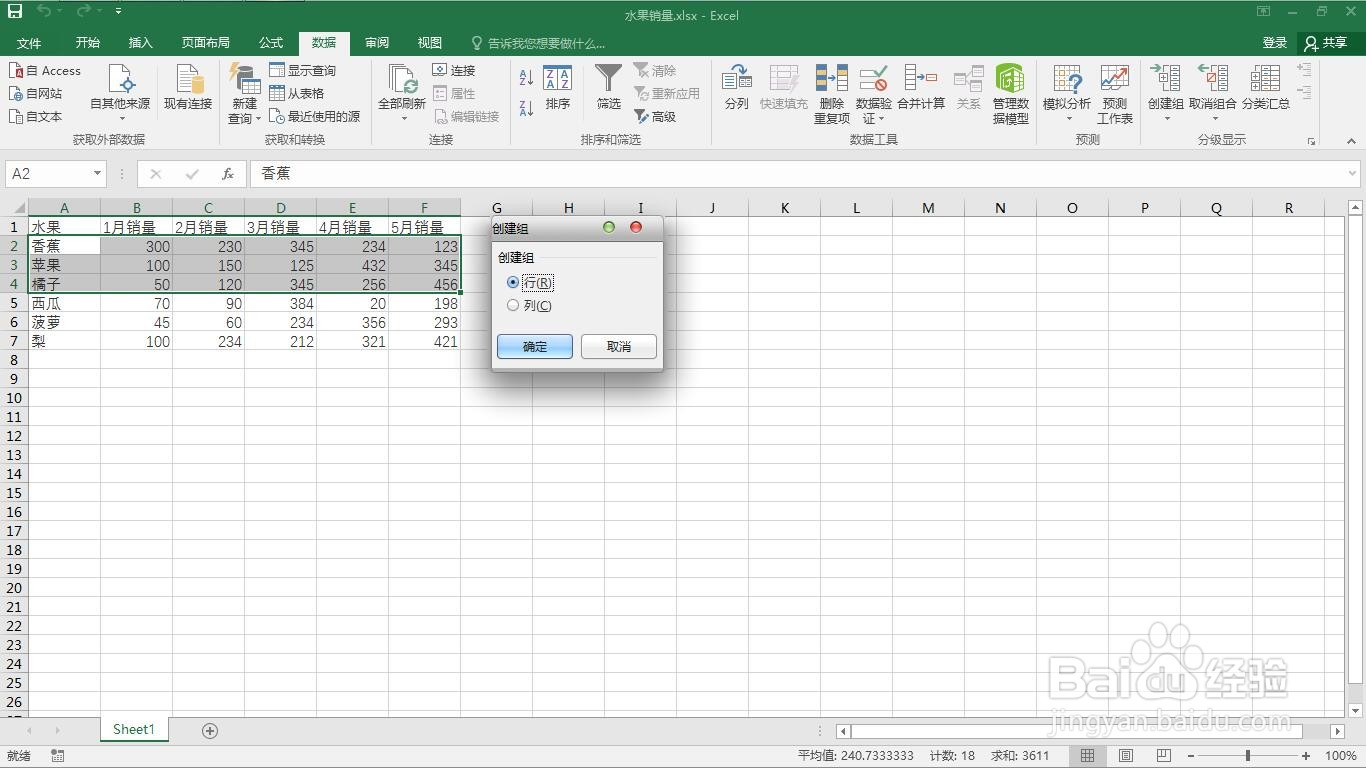
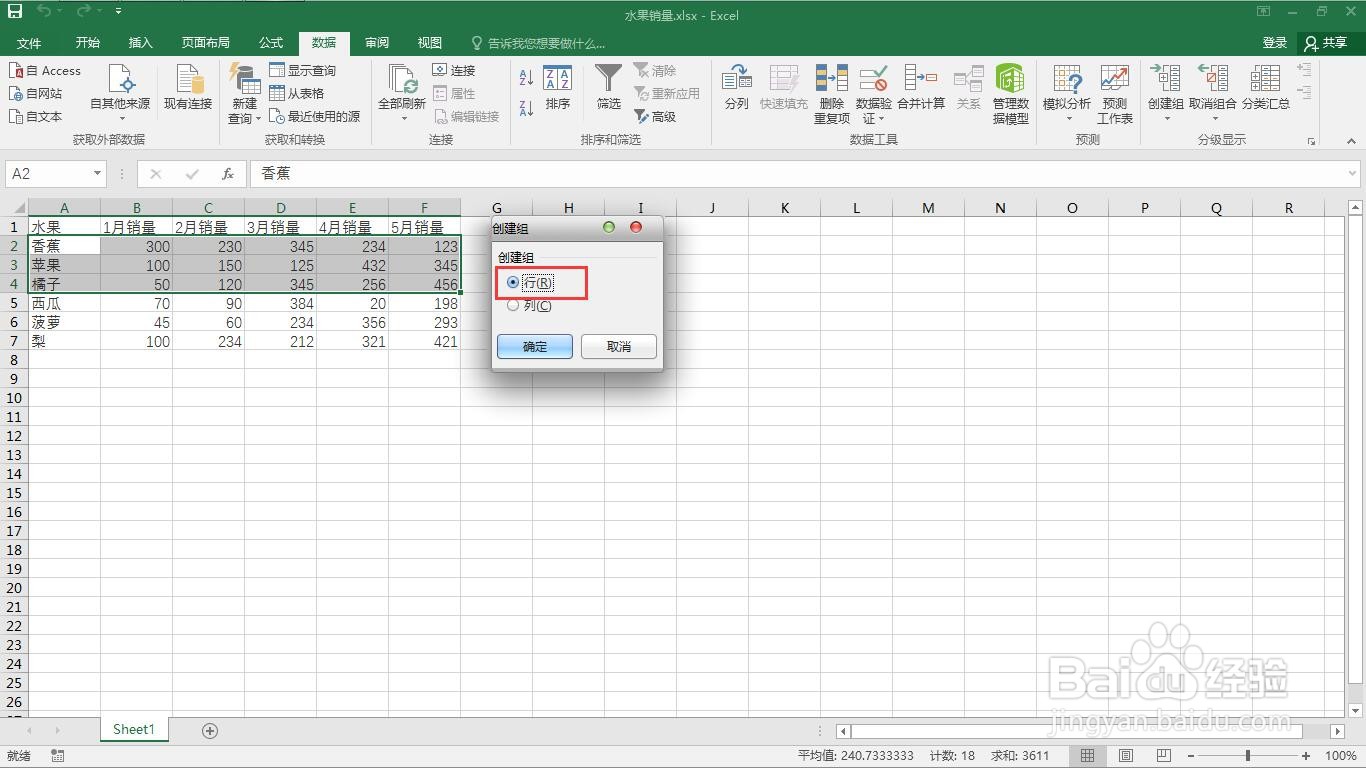
6、选择行。
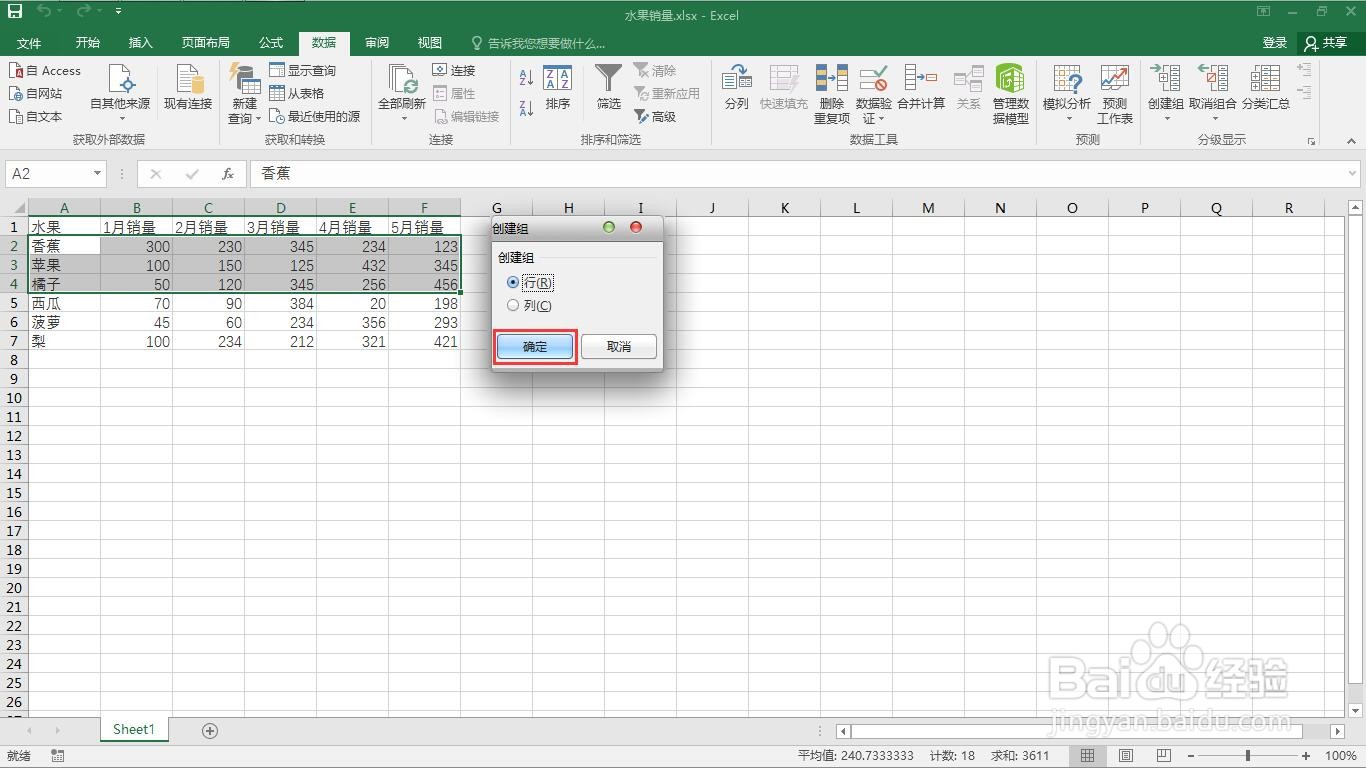
7、点击“确定”按钮。
8、右侧就会出现减号。
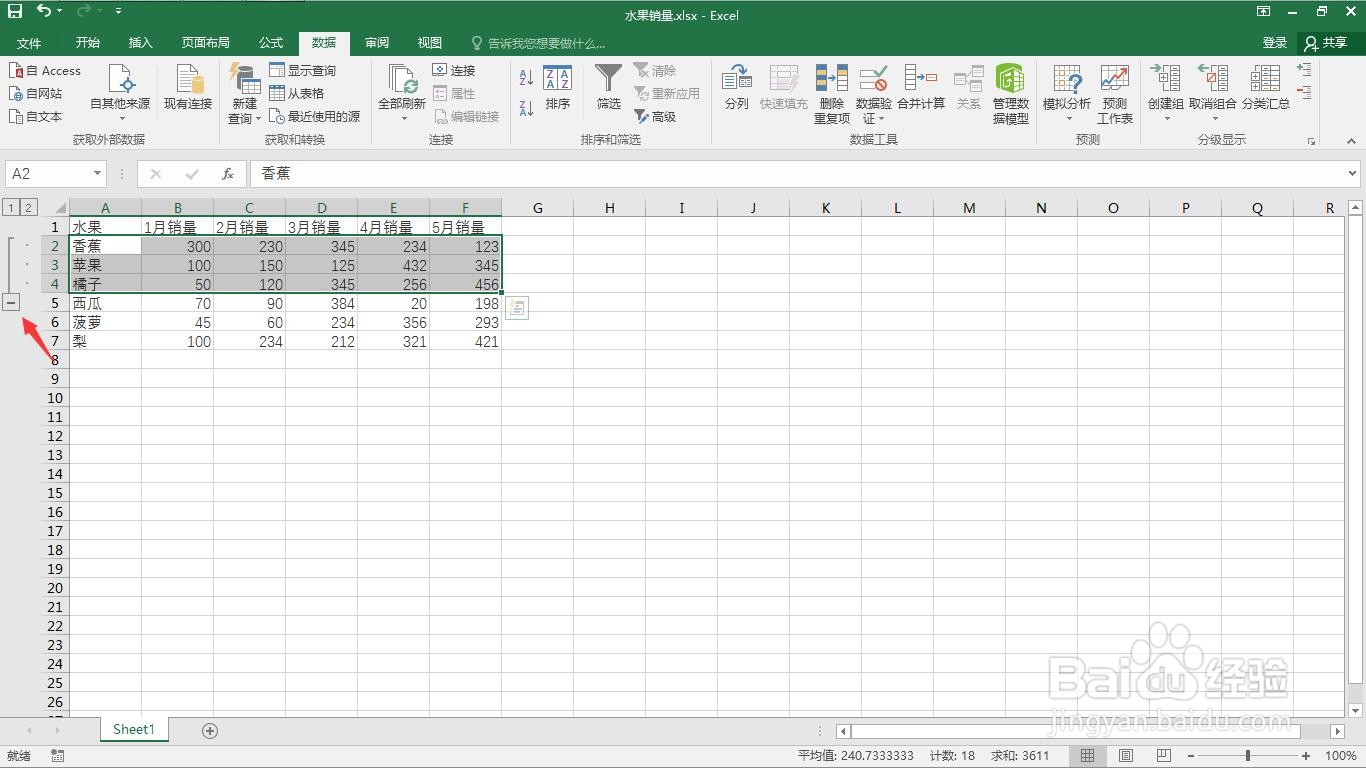
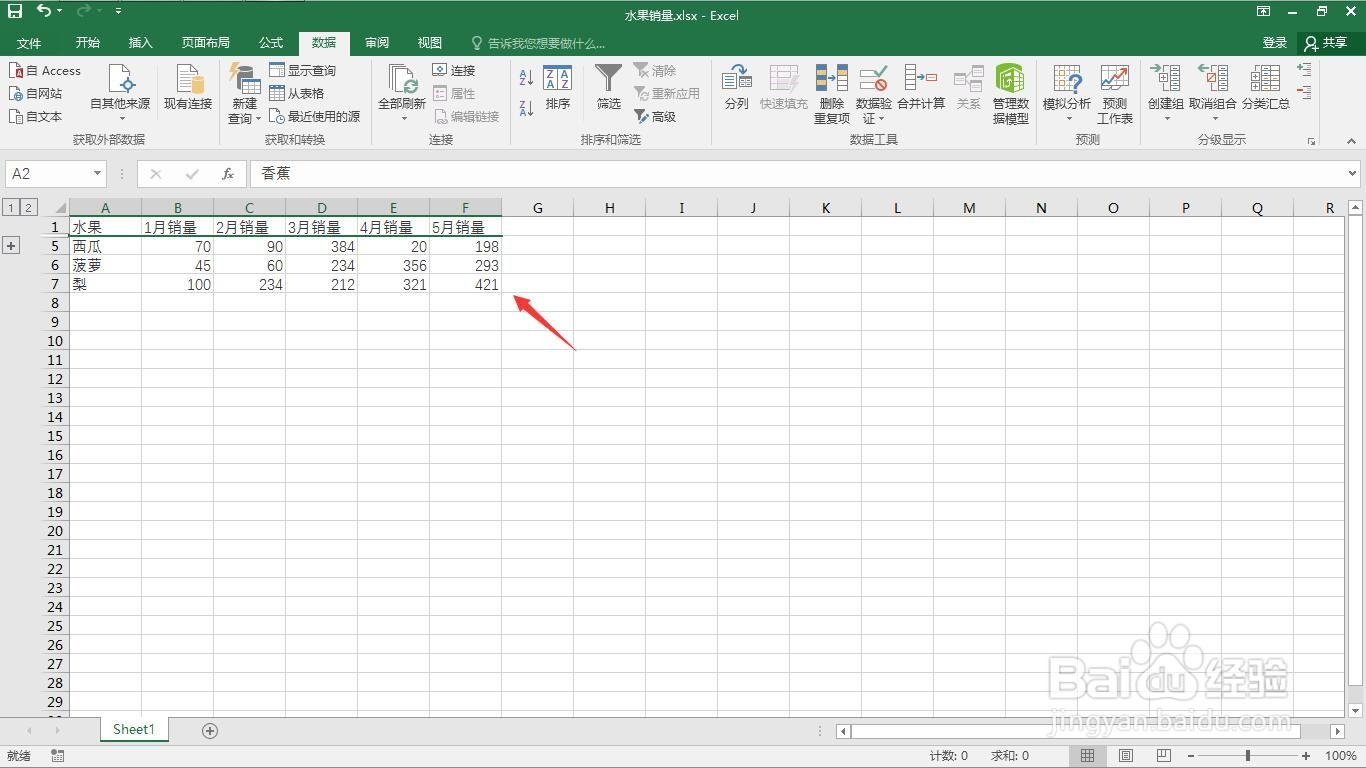
9、点击“-”号就可以隐藏数据,这样就完成了为数据表格创建组。
阅读量:164
阅读量:69
阅读量:37
阅读量:153
阅读量:90
1、打开一个需要编辑的excel表格。
2、选中将要分组的数据区域。
3、点击“数据”菜单。
4、点击“创建组”下的小三角。
5、弹出创建组窗口。
6、选择行。
7、点击“确定”按钮。
8、右侧就会出现减号。
9、点击“-”号就可以隐藏数据,这样就完成了为数据表格创建组。