怎样在AI中给图片添加墨水轮廓效果
1、打开Adobe Illustrator ,进入它的主界面;

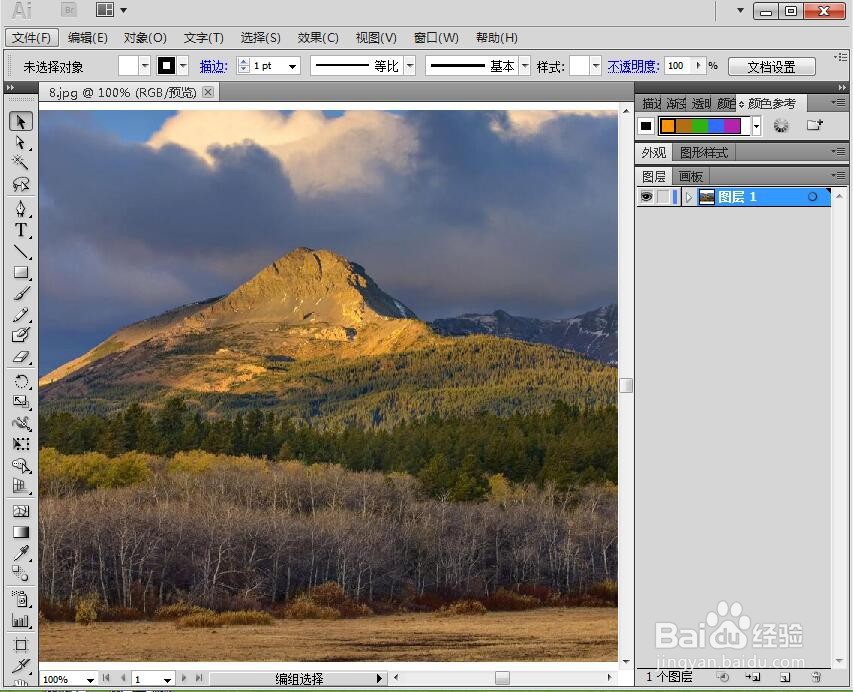
2、将图片添加到Adobe Illustrator 中;
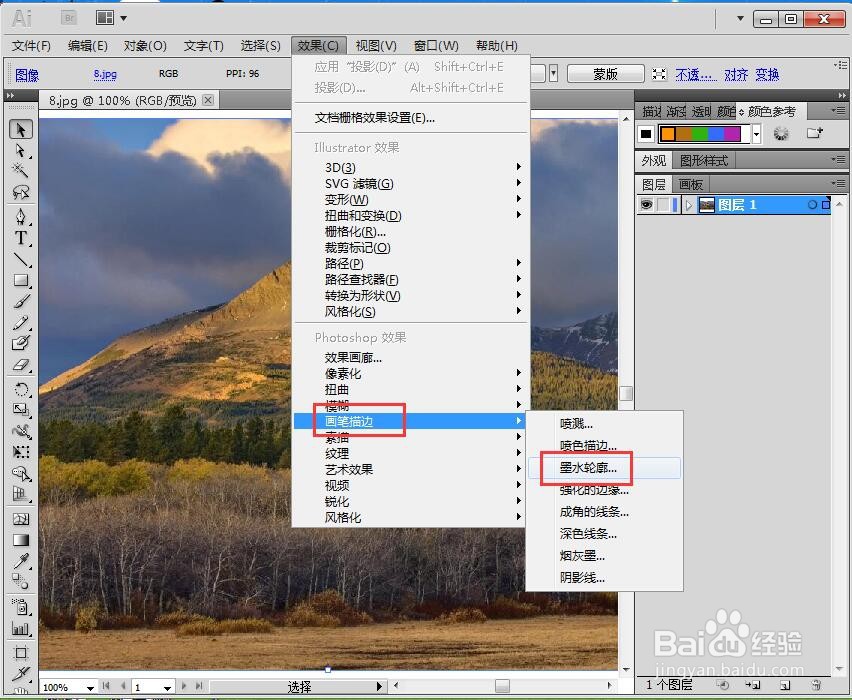
3、选中图片,用鼠标点击效果;

4、在画笔描边中选择墨水轮廓;
5、设置好参数,按确定;

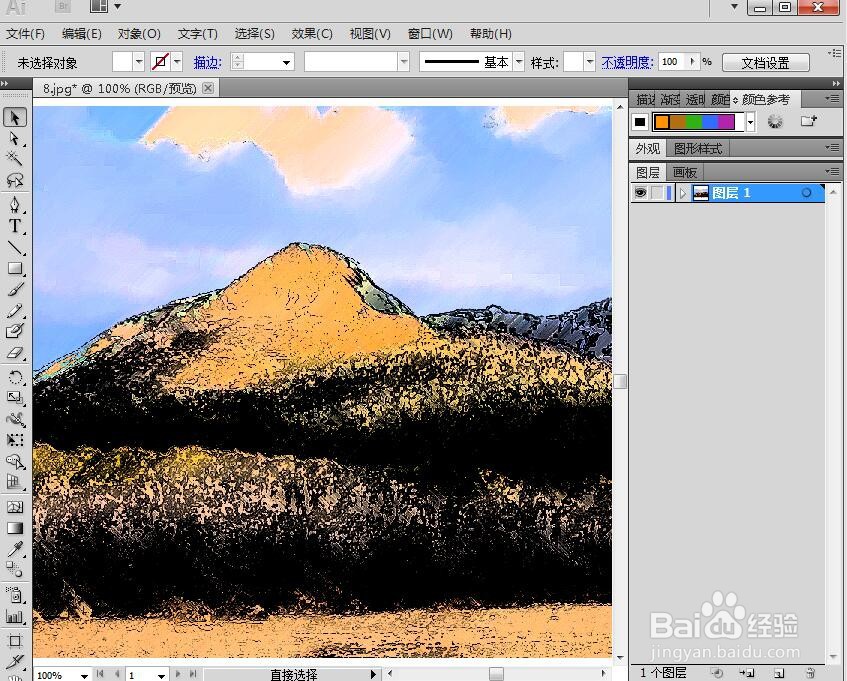
6、我们就在AI中给图片添加上了墨水轮廓效果。
阅读量:84
阅读量:196
阅读量:61
阅读量:48
阅读量:110
1、打开Adobe Illustrator ,进入它的主界面;
2、将图片添加到Adobe Illustrator 中;
3、选中图片,用鼠标点击效果;
4、在画笔描边中选择墨水轮廓;
5、设置好参数,按确定;
6、我们就在AI中给图片添加上了墨水轮廓效果。