MySQL怎么设置在编辑模式下打开数据编辑器
1、首先,点击菜单中的tools菜单
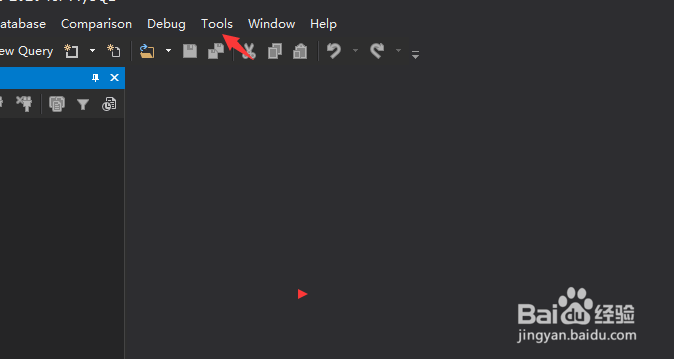
2、弹出了下拉菜单选中为options选项

3、点击general选项
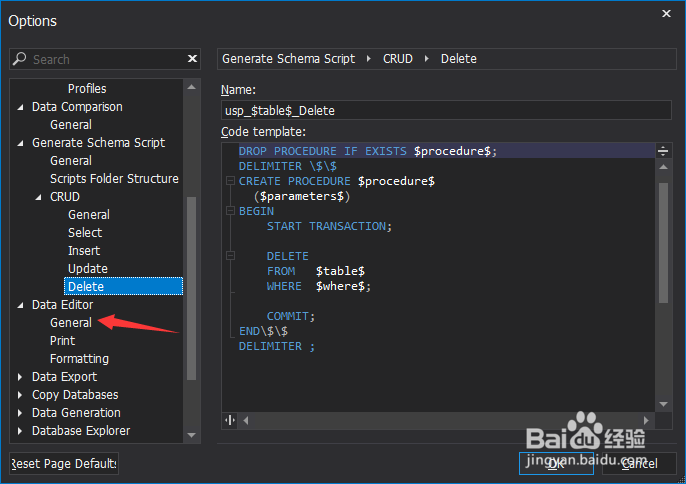
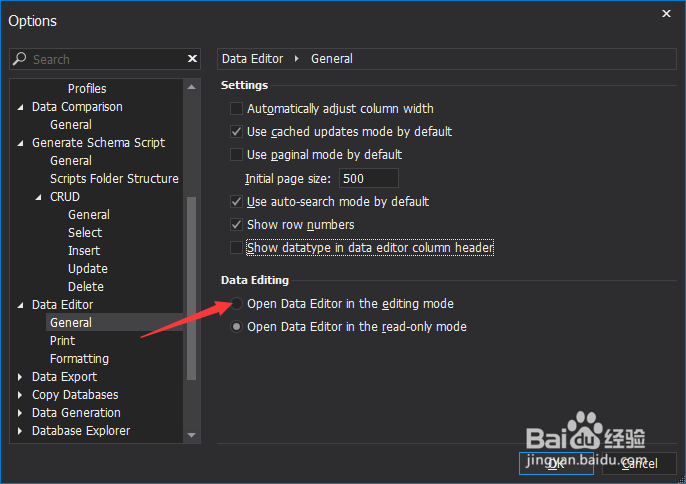
4、勾选上open data editor in the editing mode选项
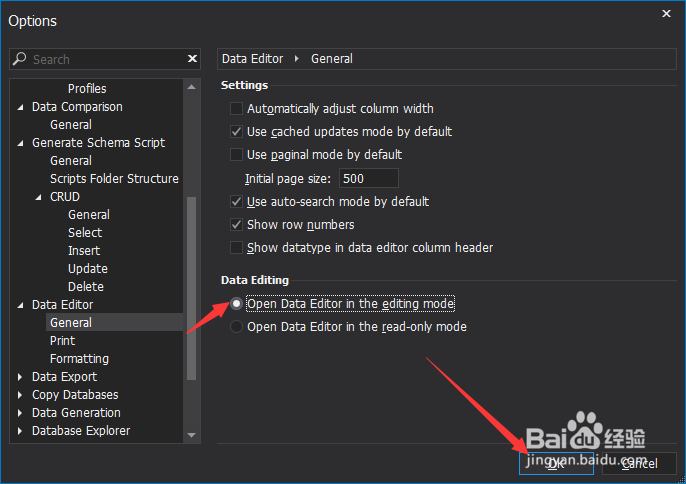
5、勾选上open data editor in the editing mode选项之后,点击ok按钮
阅读量:89
阅读量:196
阅读量:40
阅读量:95
阅读量:143
1、首先,点击菜单中的tools菜单
2、弹出了下拉菜单选中为options选项
3、点击general选项
4、勾选上open data editor in the editing mode选项
5、勾选上open data editor in the editing mode选项之后,点击ok按钮