苹果如何取消订阅自动续费
1、打开设置store
打开手机设置,进入“itunes store与App Store”。

2、选择查看ID
进入设置store后,点击查看“AppleID”。


3、点击订阅
在查看AppleID页面,点击“订阅”选项。

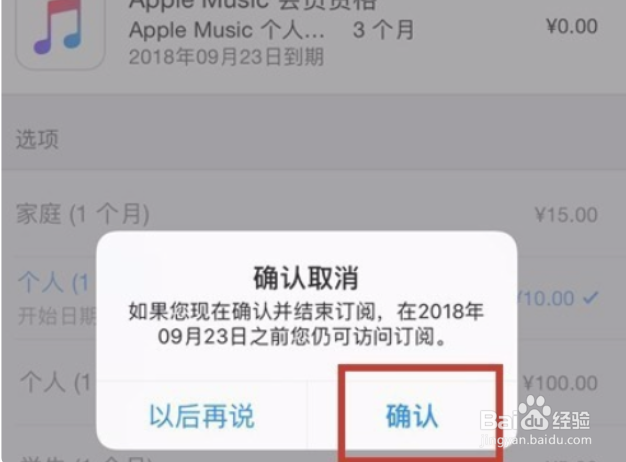
4、取消续费
选择要取消续费的功能,并点击取消订阅即可。
阅读量:23
阅读量:65
阅读量:157
阅读量:177
阅读量:49
1、打开设置store
打开手机设置,进入“itunes store与App Store”。
2、选择查看ID
进入设置store后,点击查看“AppleID”。
3、点击订阅
在查看AppleID页面,点击“订阅”选项。
4、取消续费
选择要取消续费的功能,并点击取消订阅即可。