windows上 安装 xshell 教程
1、下载地址: http://soft.onlinedown.net/soft/1216472.htm
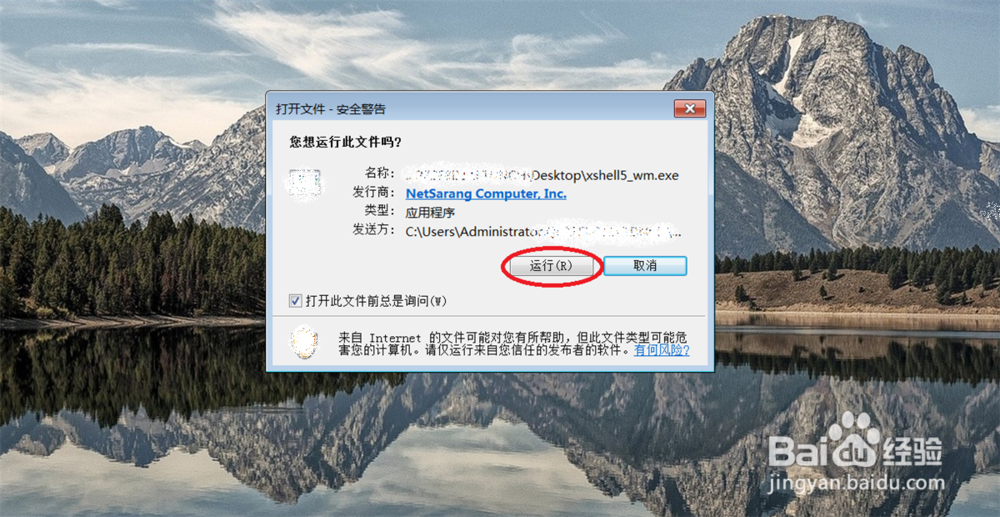
双击 xshell5.exe 点击: 运行
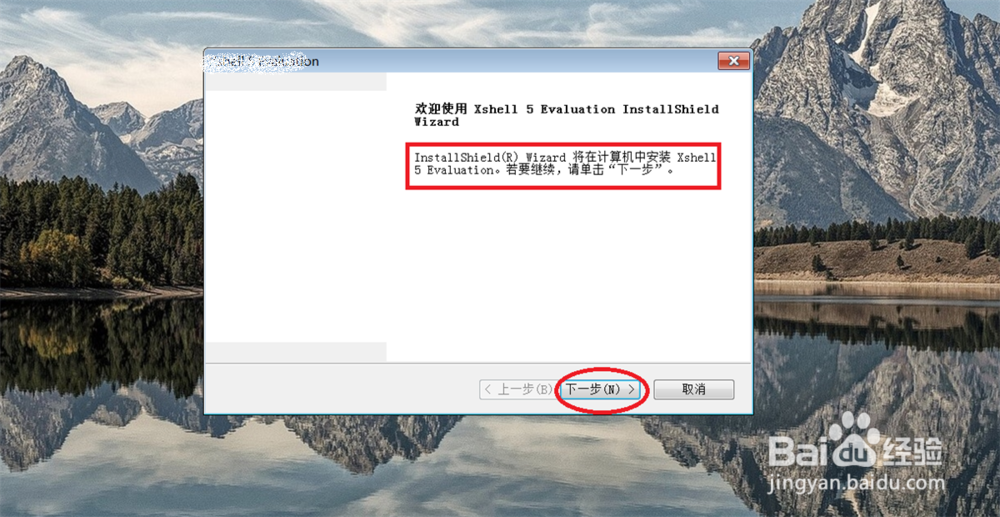
2、点击: 下一步
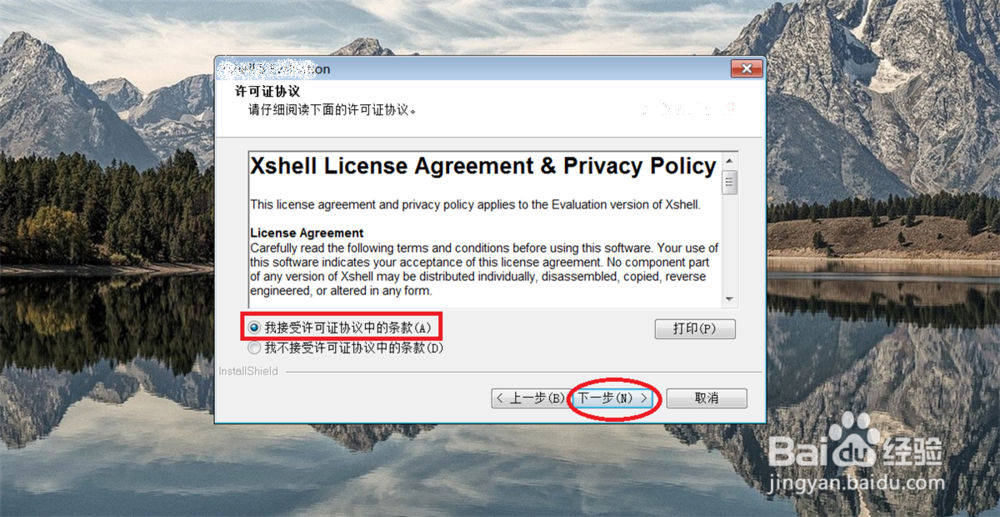
3、选择: 我接受协议, 点击: 下一步
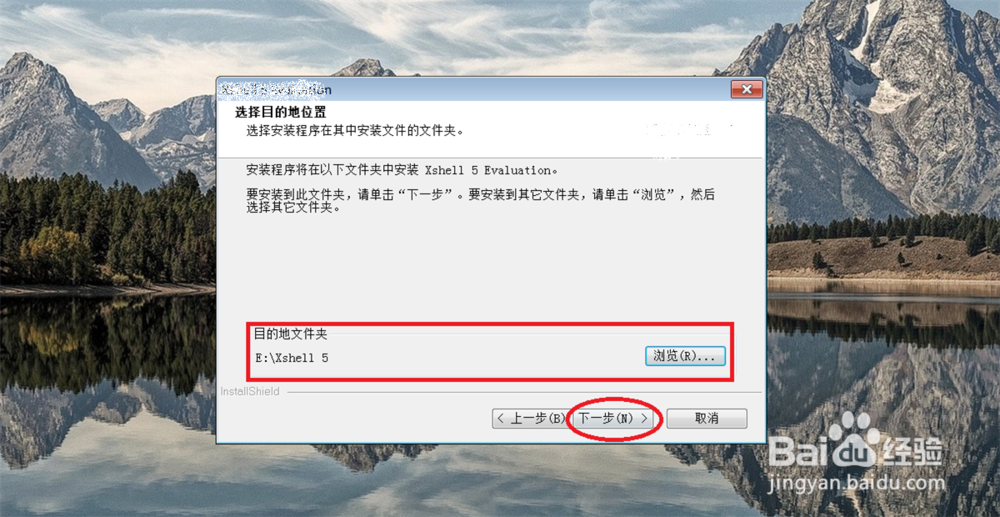
4、点击: 下一步

5、选择: 安装路径, 点击: 下一步
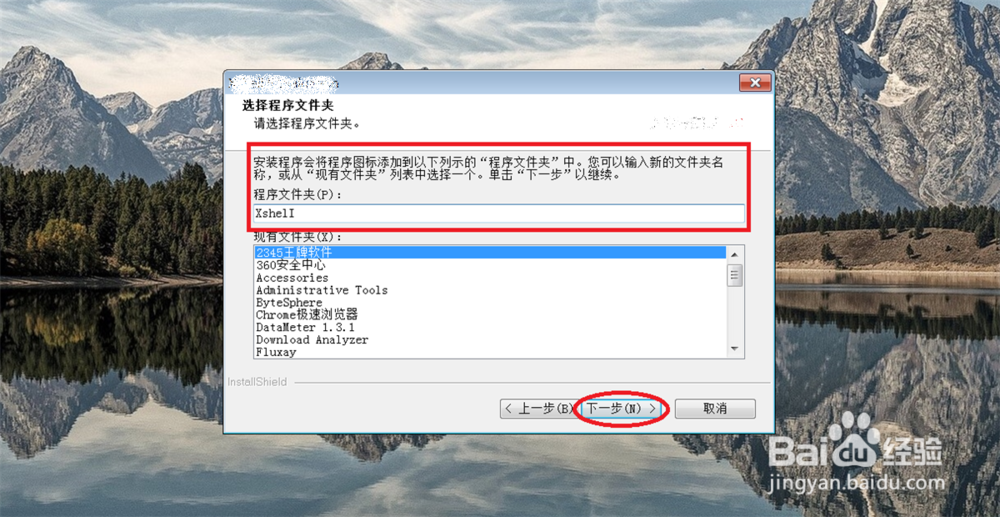
6、选择: xshell 安装开始菜单上的文件夹名字, 点击: 下一步
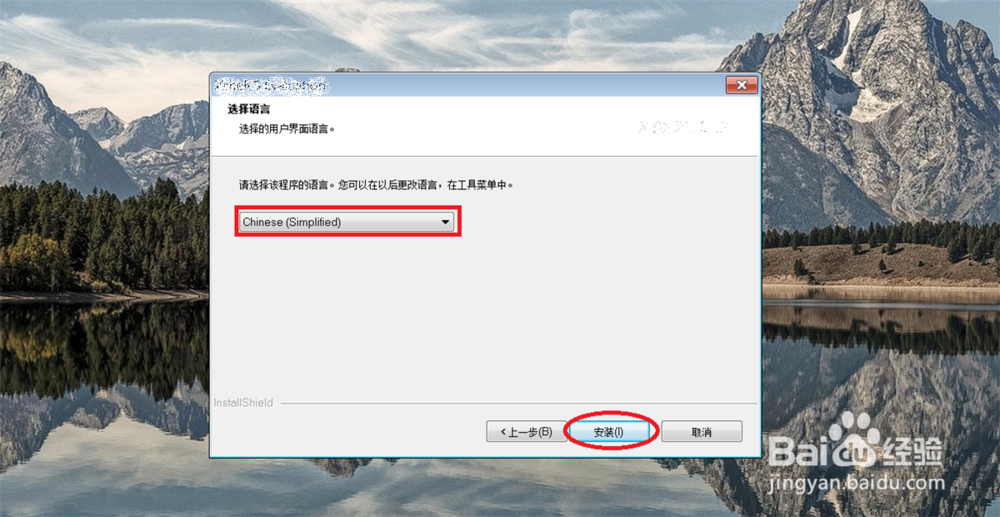
7、选择语言: 默认中文, 点击: 安装
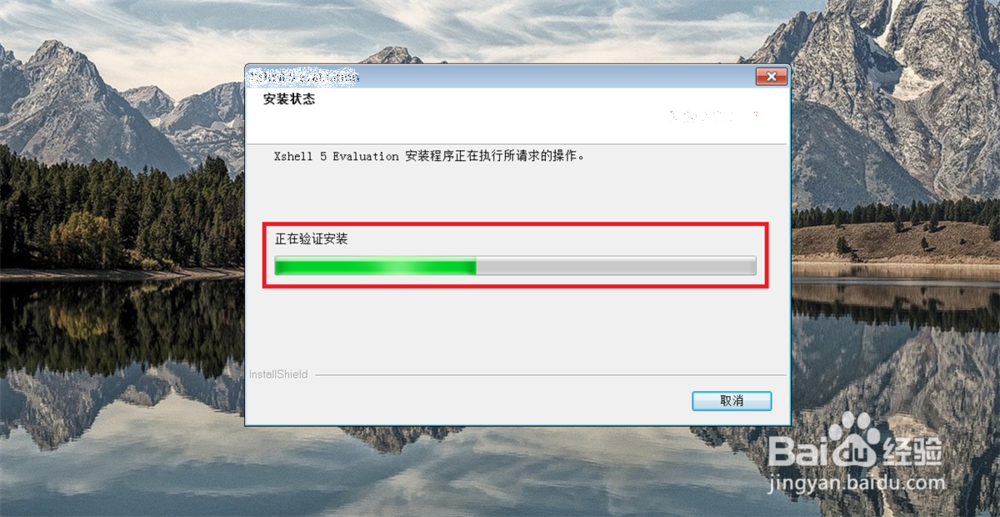
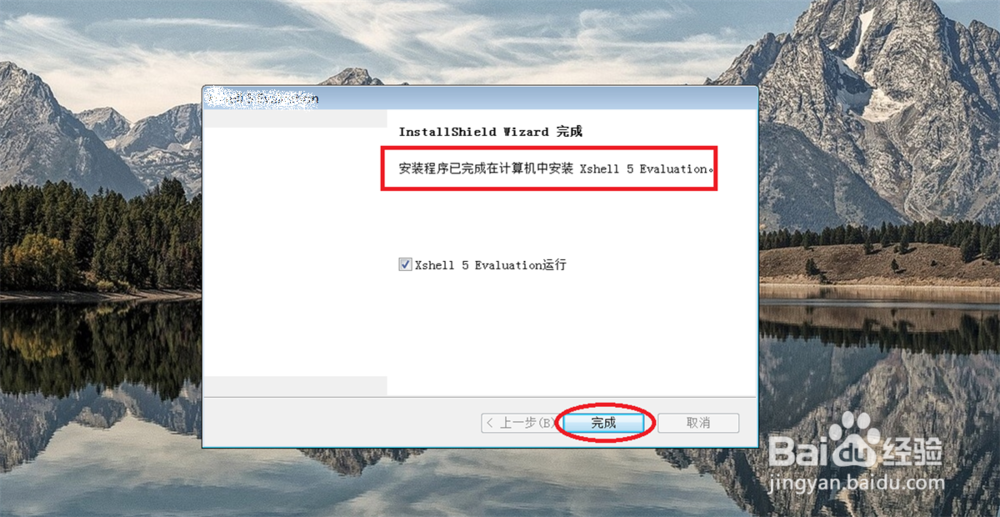
8、点击: 完成
阅读量:22
阅读量:52
阅读量:52
阅读量:139
阅读量:166