excel表格不会换行怎么办?
1、打开电脑上的excel表格。这里为了方便演示,所以用的是一个空表格。

2、在一个表格内输入内容。如图,数据长了,就显示到旁边的表格上了(看起来)。

3、点击鼠标右键,选择【设置单元格格式】。

4、点击【对齐】。

5、找到【文本控制】,选择【自动换行】。

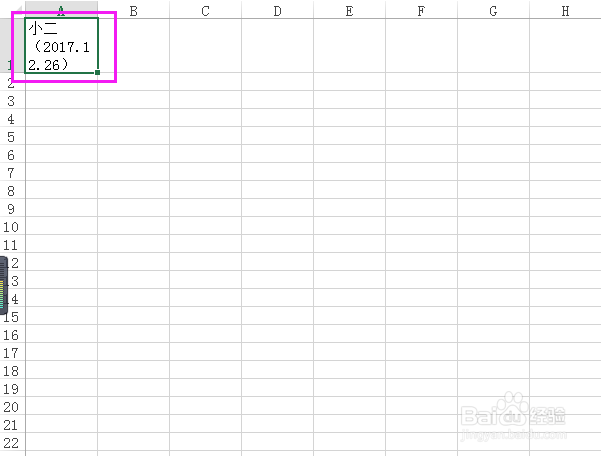
6、点击【确定】后,设置马上就生效了,我们可以看到页面上的格子已经给内容自动换行了~

阅读量:29
阅读量:79
阅读量:45
阅读量:170
阅读量:40
1、打开电脑上的excel表格。这里为了方便演示,所以用的是一个空表格。
2、在一个表格内输入内容。如图,数据长了,就显示到旁边的表格上了(看起来)。
3、点击鼠标右键,选择【设置单元格格式】。
4、点击【对齐】。
5、找到【文本控制】,选择【自动换行】。
6、点击【确定】后,设置马上就生效了,我们可以看到页面上的格子已经给内容自动换行了~